
Compare
More in one app. Pay only for what you use.
Vidonto edits your own recordings and turns YouTube videos, web pages, documents and scripts into narrated videos, all in one account. Every tool below sells monthly or yearly plans; with Vidonto you buy credits when you need them, and they don’t expire. Each comparison uses only what that company says on its own public pages, with the date we checked, and says honestly where the other tool fits better.
Why people pick Vidonto
More in one app
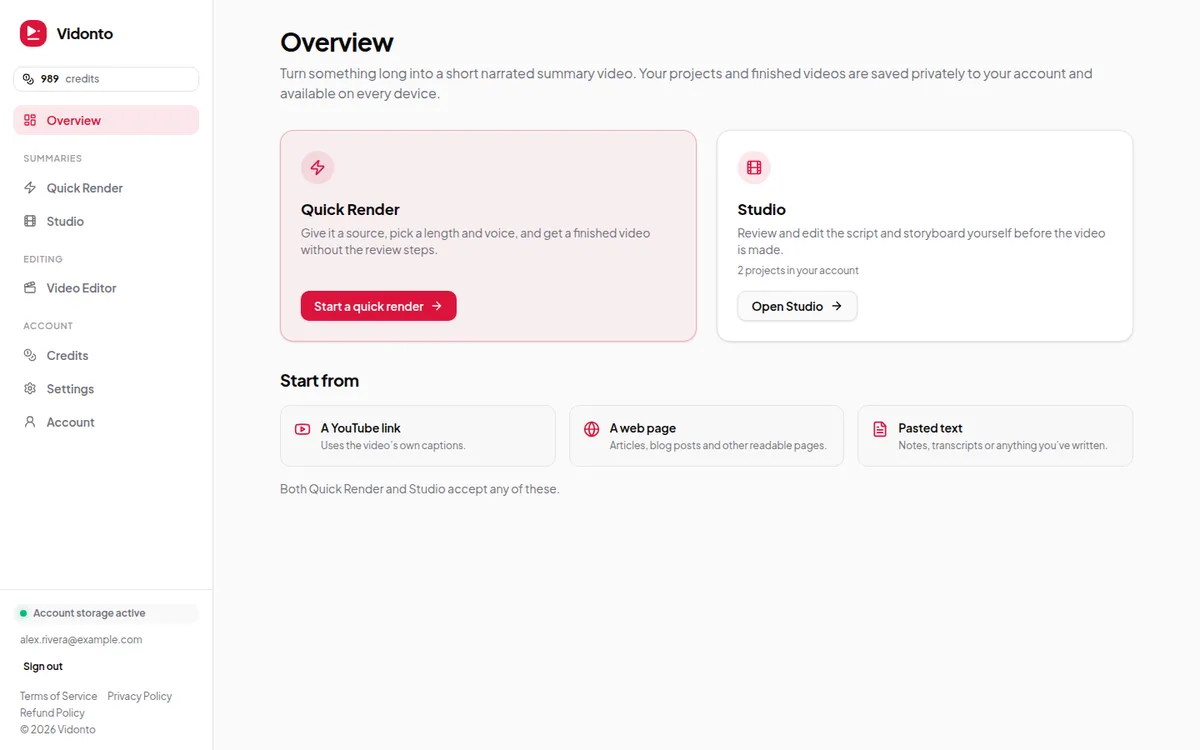
Each tool below covers part of this list. Vidonto does all of it — your own recordings and videos made from links, documents and scripts — in one account with one credit balance.
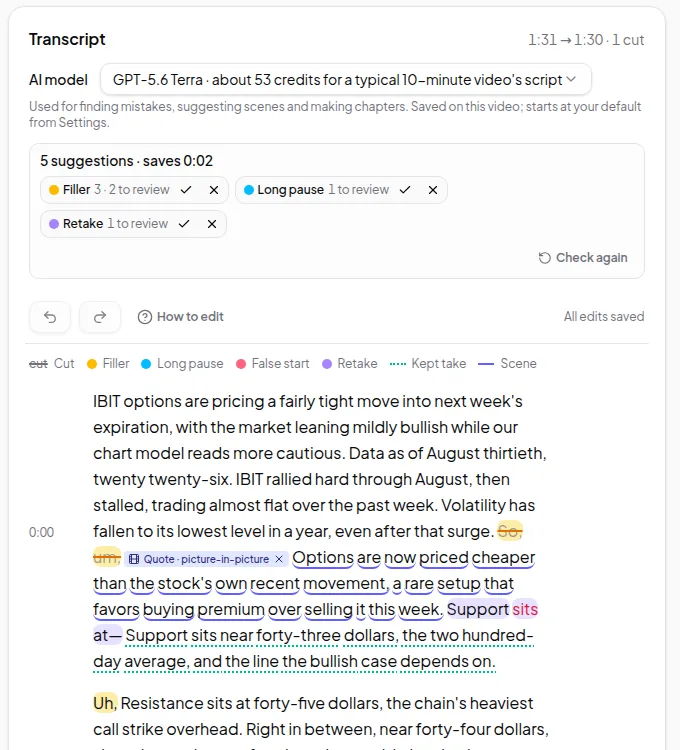
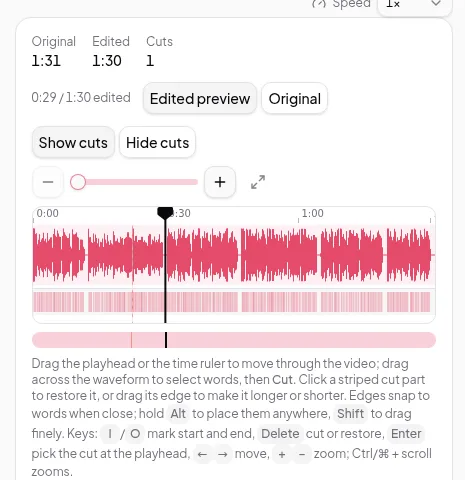
- Edit your own recordings by deleting words, with suggested cuts for ums, long pauses and retakes
- Short clips, dubbing, sound cleanup, chapters, video descriptions and blog articles from the same edit
- Narrated summary videos from a YouTube link, a web page, a PDF, Word file or slide deck — or several of them in one video — or your own script
- Clips from your own recordings inside summary videos, videos added from a YouTube, TikTok, X or Facebook link, highlights videos of one recording with narrated bridges or text cards, and compilations from several recordings
- A developer API, and a connector for Claude, ChatGPT and other assistants
Pay only for what you use
The tools below sell monthly or yearly plans. With Vidonto you buy credits when you need them and see what each step costs before it runs.
- No subscription, monthly plan or per-person fee
- Packs from $5 for 1,000 credits; larger packs include extra credits (2,100 for $10, 5,500 for $25)
- Purchased credits don’t expire
- Editing and exporting on your computer are free
- An estimate before every paid step, and no charge for steps that fail
At a glance
A summary of the comparison pages below. “Not described” means we didn’t find it on the competitor’s pages we checked; each page lists those pages and the date.
Scroll the table sideways to see every topic.
| Tool | Edit your own recordings by transcript | Narrated summary videos from a link, article or document | Short clips from a long video | Your own footage in generated videos | Add a video from a YouTube or TikTok link | Compilation or highlight videos | Dubbing into other languages | Developer API | Use from an AI assistant | No subscription needed |
|---|---|---|---|---|---|---|---|---|---|---|
| Vidonto | Yes, with suggested cuts for ums, pauses and retakes | YouTube links, web pages, PDFs, Word files, slides and your own script; up to 5 sources in one video, or just a topic, with real sources found for it | Up to 8 suggested clips of 15–90 seconds | Clips from up to 5 of your recordings, where they match the narration | Your YouTube, TikTok, X or Facebook videos, or a file link | Highlights of one recording (narrated or text cards); compilations from 2 to 10 | 29 languages, in a voice like yours | Yes, for summary videos, in batches of up to 100 | Claude, ChatGPT and other assistants | Yes: pay-as-you-go credits; purchased credits don’t expire |
| Descript | Yes | An AI video maker that starts from an idea | Yes | Its AI Video Maker can start from existing footage | YouTube links | Yes, with an AI action to find good clips | 30+ languages | Yes, for paying users | Yes, through MCP | Free plan; paid plans per person, monthly or yearly |
| Loom | On the Business + AI plan | Not described | Not described | Not described | Not described | Stitch, on paid plans | Not described | A Record SDK for your own app | Not described | Free Starter plan; paid plans per user |
| VEED | Yes | Blog to video from pasted text, plus PPT and PDF to video | Yes | Start from your own footage | TikTok and Twitch links | Clips arranged by hand in its editor | AI dubbing | APIs for image-to-video, lip sync and more | Not described | Free plan; paid plans per user |
| Pictory | Yes | Yes, from links, text, slides and PDFs | Automatic video highlights | Your own uploads, alongside stock and AI clips | A video link as the source for a new video | An AI highlight reel from one long video | A video translator; dubbing not described | Yes | A Pictory GPT in ChatGPT | Free trial; plans by the month or year |
| Lumen5 | Not described | Yes, from links, blogs, documents and PDFs | Short clips from long videos | Your own clips from its media library | Not described | A Merge Video tool | Video translations on paid plans | Not described | Not described | Free plan; monthly or yearly plans |
| OpusClip | On paid plans | Not described | Yes, for any genre of video | Agent Opus takes video you give it | YouTube, Vimeo and other links | An AI compilation maker in Agent Opus | On paid plans | Yes, for clipping and posting | An MCP connector on higher plans | Free plan; monthly or yearly plans |
| InVideo | An AI editing agent on a multitrack timeline | From a script or idea, with generated footage | Vertical cuts and teasers, by asking its agent | Your own uploads in a generated video | Not described | Merged by hand on a track | Not described | Not described | Claude, ChatGPT, Cursor and Codex, through MCP | Monthly or yearly plans per seat; credits reset each month |
| Synthesia | Recordings from its AI Screen Recorder | Yes, from docs, PowerPoints and links | Not described | Your own uploads in scenes | YouTube links, for dubbing | Not described | 130+ languages, with lip sync | Yes, for video, dubbing and interactive avatars | Claude or ChatGPT, through MCP | Free plan; paid plans by the month or year |
| HeyGen | Not described | Yes, from a URL, text, or a PPT or PDF | Not described | An AI video editor that starts from your footage | YouTube or Google Drive links, in Instant Highlights | Highlight reels from one long video | 175+ languages and dialects, with lip sync | Yes, for video generation, translation and lip sync | Claude and ChatGPT, through MCP | Free plan; monthly or yearly plans |
| CapCut | Yes, with filler words and gaps found | Script to video, written from a prompt | Yes, with clip lengths you choose | Your own clips in a script-to-video project | Not described | Combined by hand in its editor | AI dubbing, in some regions | Not described | A plugin for Codex in ChatGPT, outside the U.S. for now | Free plan; monthly or yearly plans, Teams per seat |
| Riverside | Yes, with filler words and silences removed | Not described | Yes, with Magic Clips | Not described | YouTube links | Merge, then cut with its AI agent | 30+ languages, in your own voice, with lip sync | API access on the Business plan | Claude, ChatGPT and Cursor, through MCP, on Grow and above | Free plan; monthly or yearly plans |
| Kapwing | Yes, with filler words and silences removed on request | From a script, a PDF or pasted text | Yes, with its AI Clip Maker | Its AI assistant makes a rough cut from your clips | Public video links | An AI Montage Maker | 40+ languages, with lip sync | Not described | Not described | Free plan; monthly or yearly plans with credits |
Editing your own recordings
Comparison
Vidonto vs Descript
Both edit video by its transcript. Vidonto also makes summary videos from links and documents, with pay-as-you-go credits instead of a monthly plan.
Comparison
Vidonto vs Loom
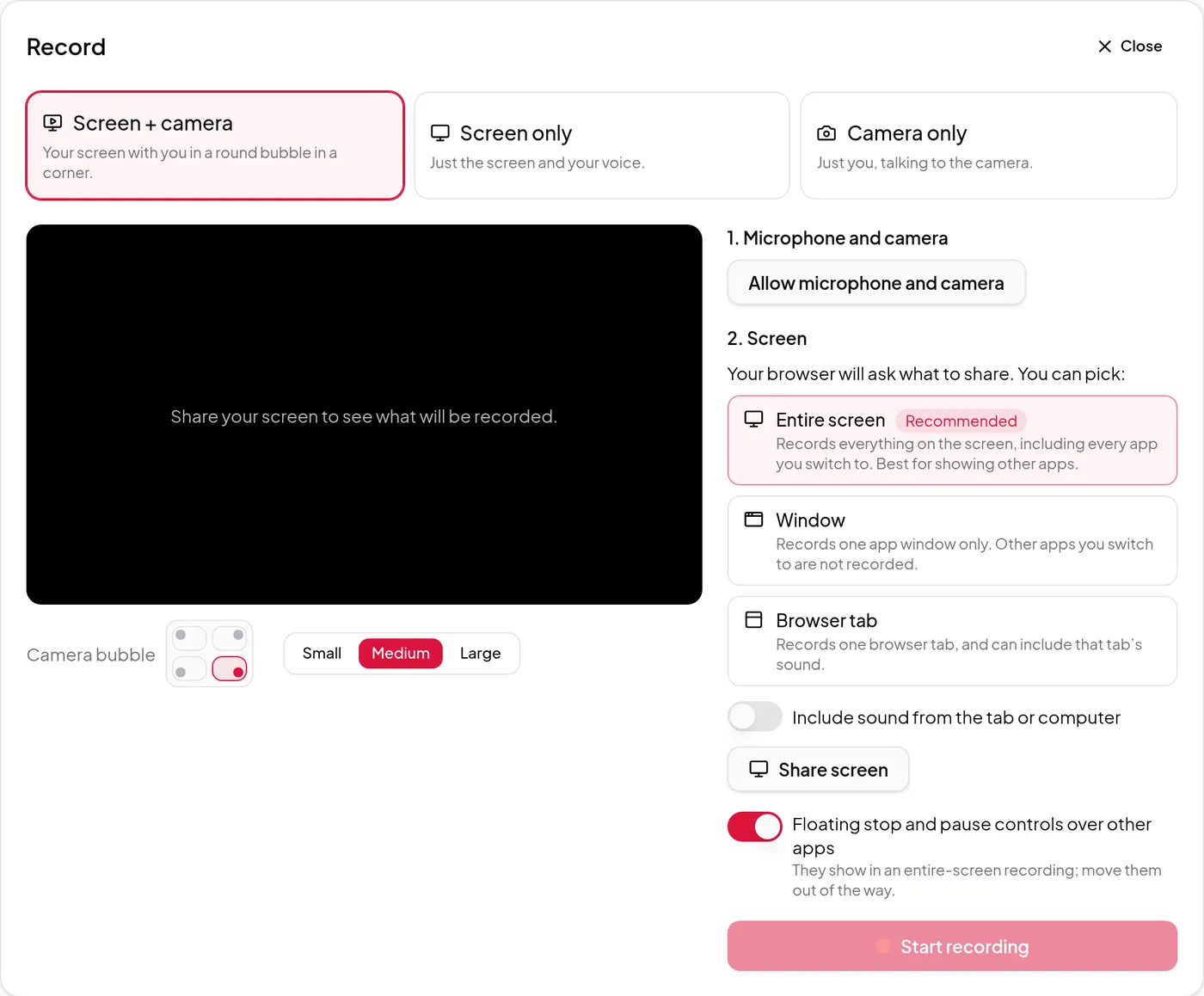
Loom is built for quick shared video messages; Vidonto for recordings you edit and post, plus summary videos, with pay-as-you-go credits and no seats.
Comparison
Vidonto vs VEED
VEED is a broad online editor and AI video generator; Vidonto edits recordings by text and makes summary videos, with pay-as-you-go credits, no seats.
Comparison
Vidonto vs CapCut
CapCut is a full creative editor with templates, effects and AI generation; Vidonto edits recordings by text and summarizes links, with pay-as-you-go credits.
Comparison
Vidonto vs Riverside
Riverside records podcasts and remote guests, then edits and publishes; Vidonto edits solo recordings by text and makes summary videos with pay-as-you-go credits.
Comparison
Vidonto vs Kapwing
Kapwing is a broad browser video editor with AI tools and team workspaces; Vidonto edits recordings by text and makes summary videos with pay-as-you-go credits.
Videos from links, text and long videos
Comparison
Vidonto vs Pictory
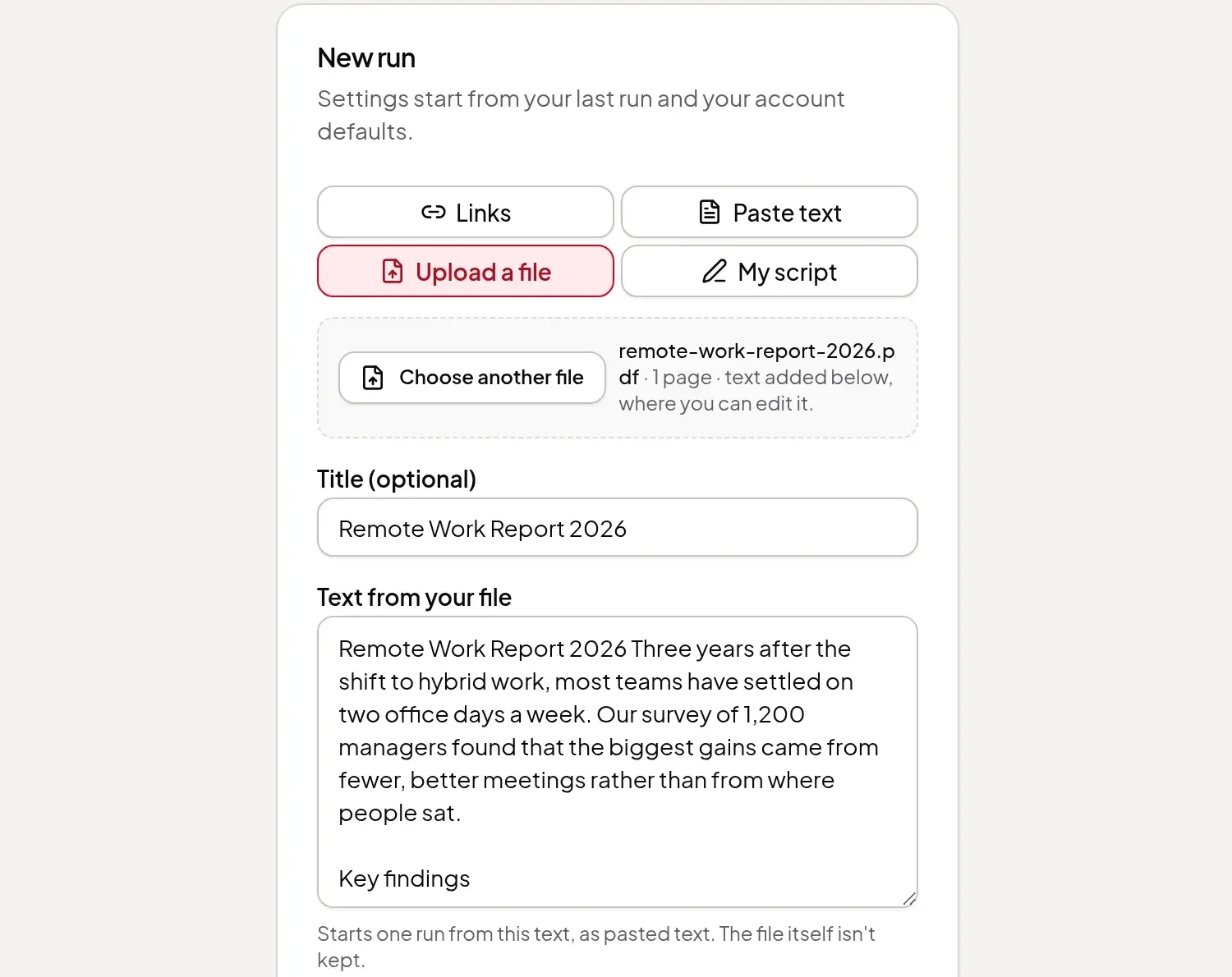
Both turn a link or script into a narrated video. Vidonto also edits and dubs your own recordings, and charges pay-as-you-go credits, not a monthly plan.
Comparison
Vidonto vs Lumen5
Both turn blog posts and documents into narrated videos. Vidonto also summarizes YouTube videos, edits your recordings and charges credits, not a plan.
Comparison
Vidonto vs OpusClip
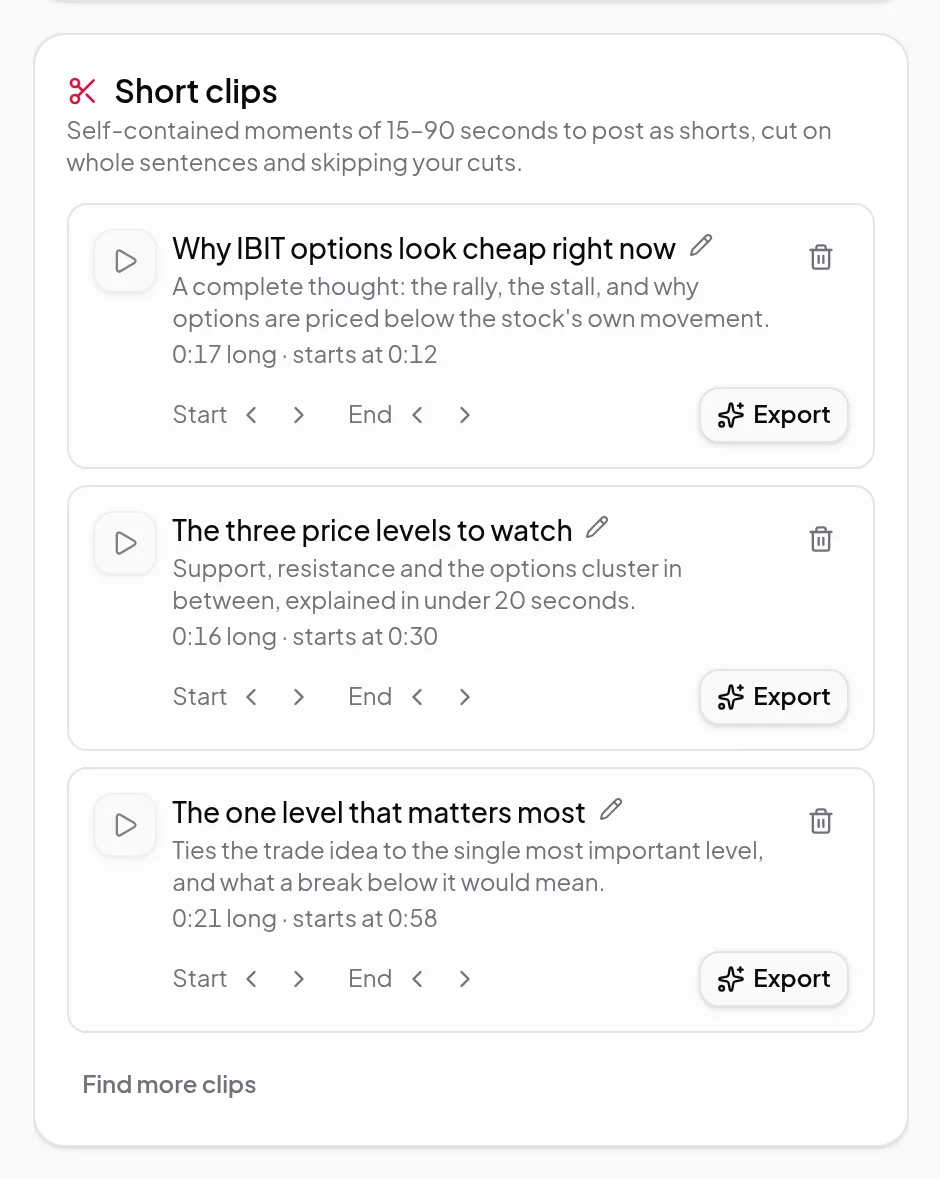
OpusClip cuts long videos into social clips; Vidonto edits recordings by text, suggests clips and makes summary videos, with pay-as-you-go credits.
Comparison
Vidonto vs InVideo
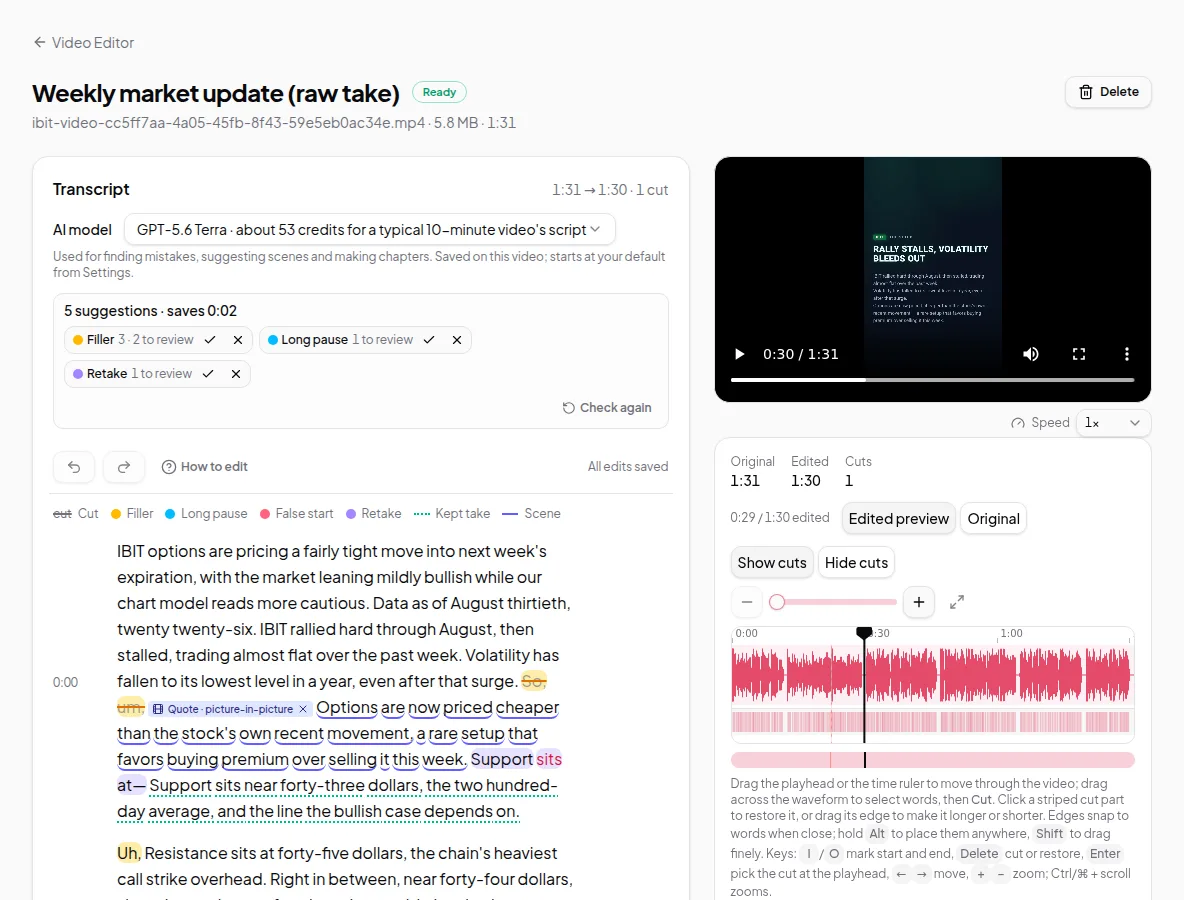
InVideo is an AI-agent video editor with generated footage, sold per seat; Vidonto makes summary videos and edits recordings with pay-as-you-go credits.
AI presenters and avatars
Comparison
Vidonto vs Synthesia
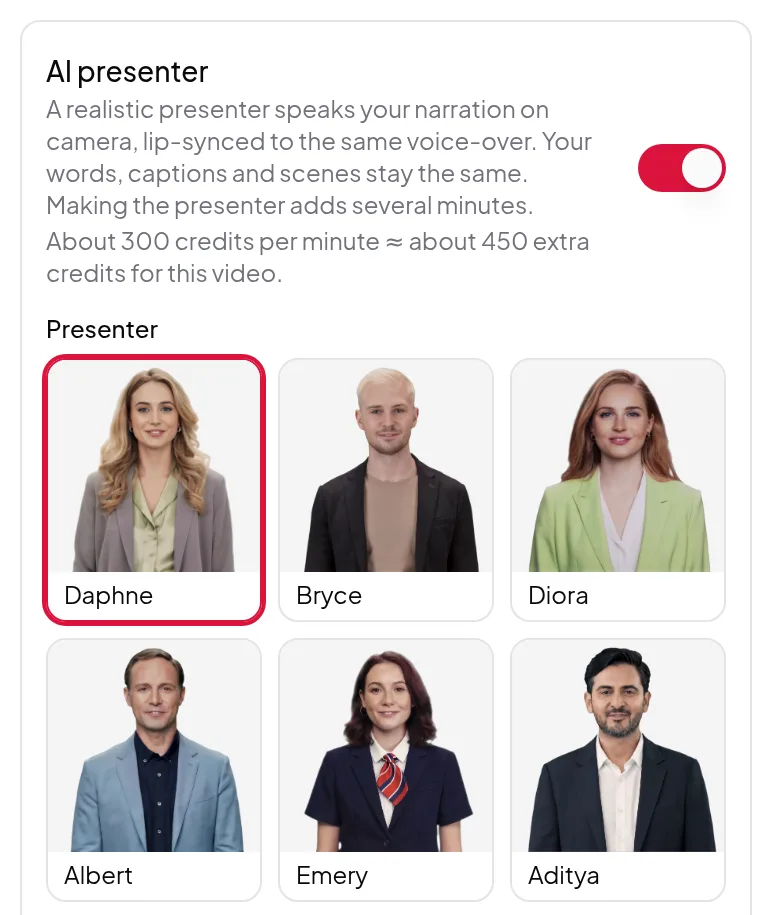
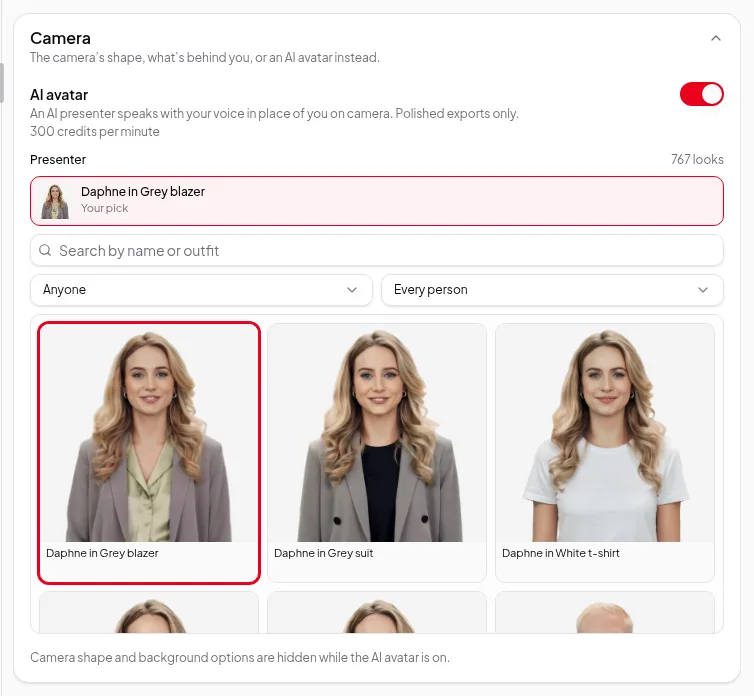
Synthesia makes AI avatar videos for business training; Vidonto adds an AI presenter to summary videos, edits your recordings and charges credits, not a plan.
Comparison
Vidonto vs HeyGen
HeyGen is an AI avatar and video translation platform; Vidonto uses HeyGen presenters in summary videos, edits your recordings and charges pay-as-you-go credits.