
Use cases
What people make with Vidonto
Each page below starts from one kind of work — a YouTube channel, an online course, a product demo, a blog, a batch of client videos or an audience in another language — and shows the workflow in Vidonto, the features it uses and the guides to follow.
Creators and educators
Use case
YouTube creators
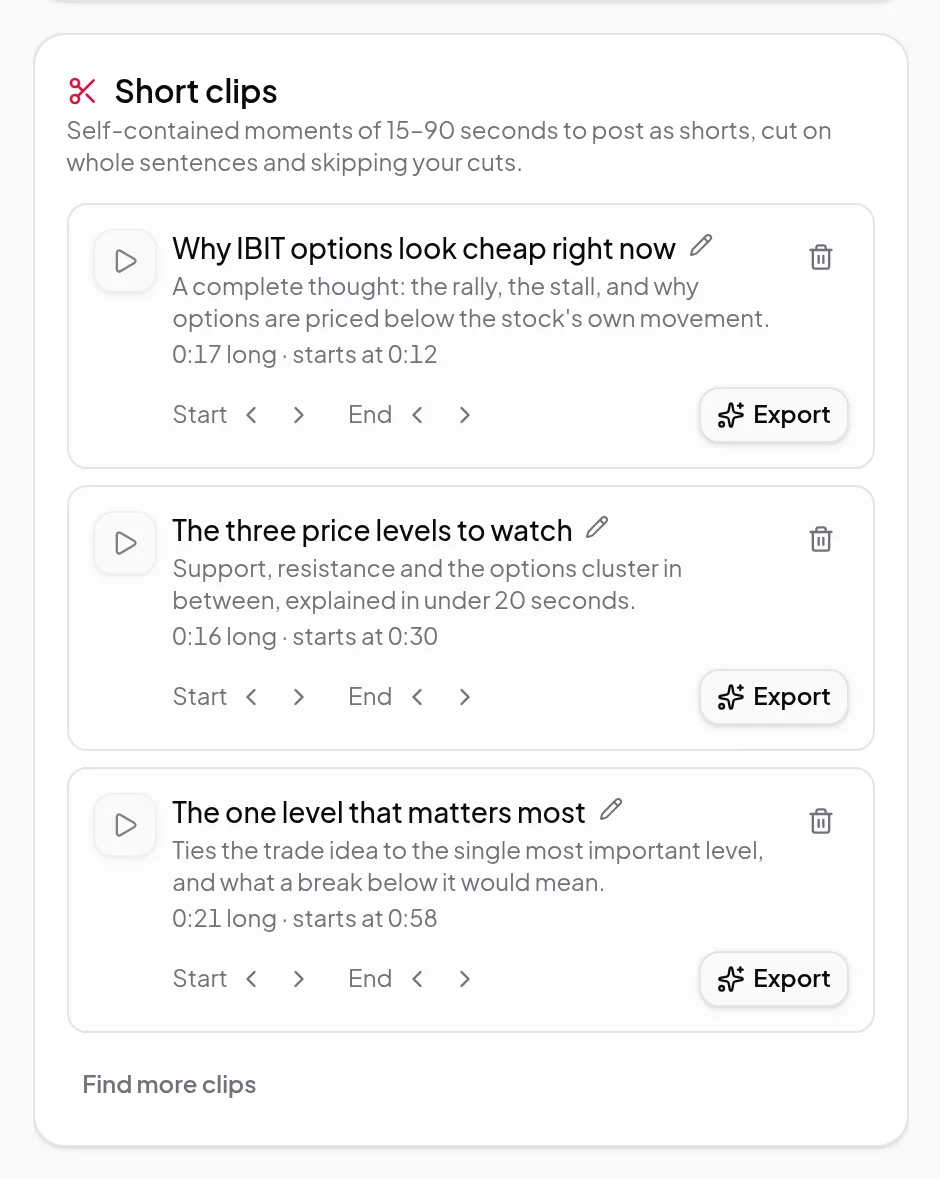
Edit your videos by deleting words, let the ums and retakes be found for you, then get Shorts, chapters and a YouTube description from the edit you keep.
Use case
Course creators and educators
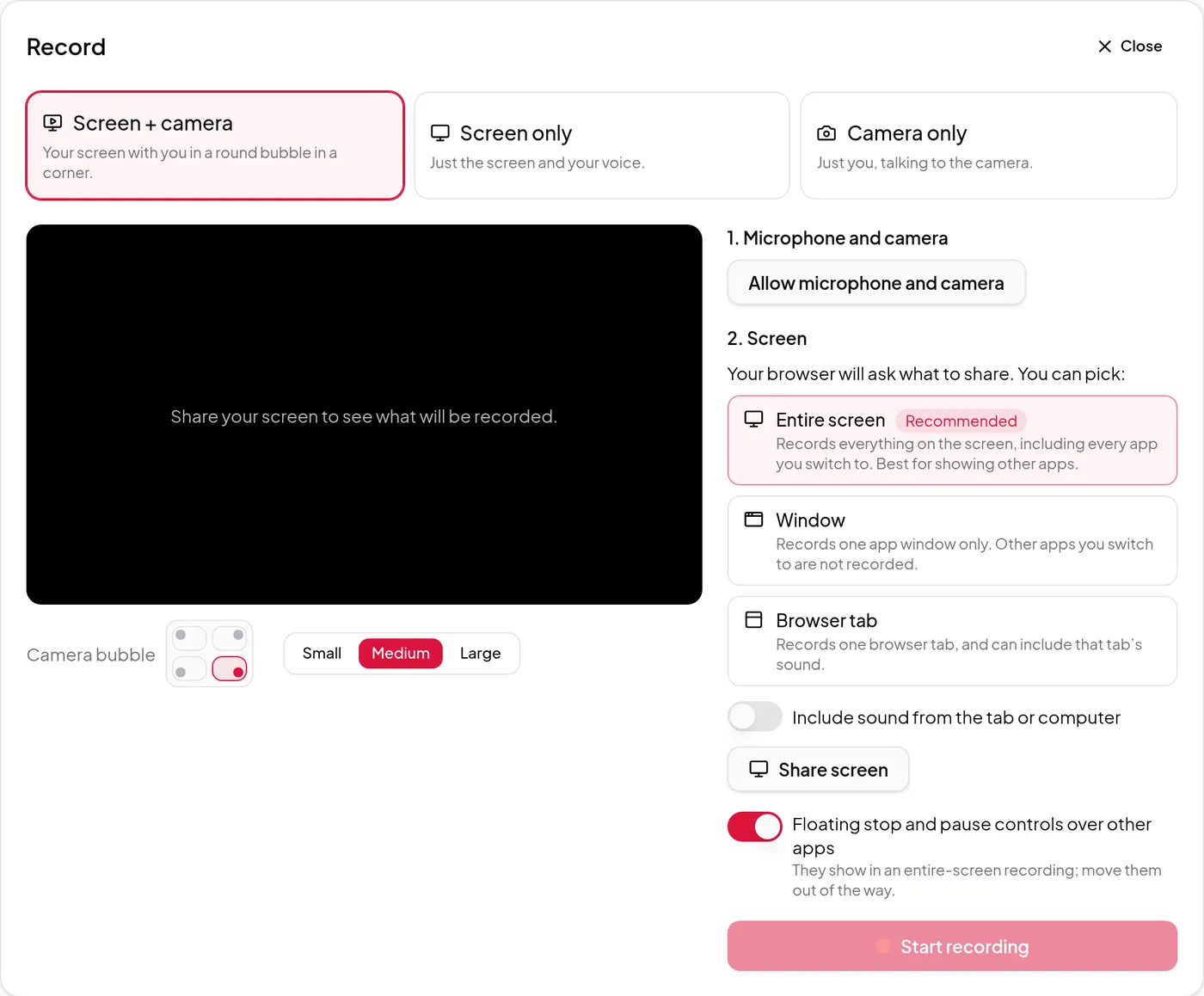
Record screen and camera lessons in the browser, fix mistakes by deleting words, zoom in on what matters, add captions and chapters, and dub lessons into other languages.
Use case
Multilingual content
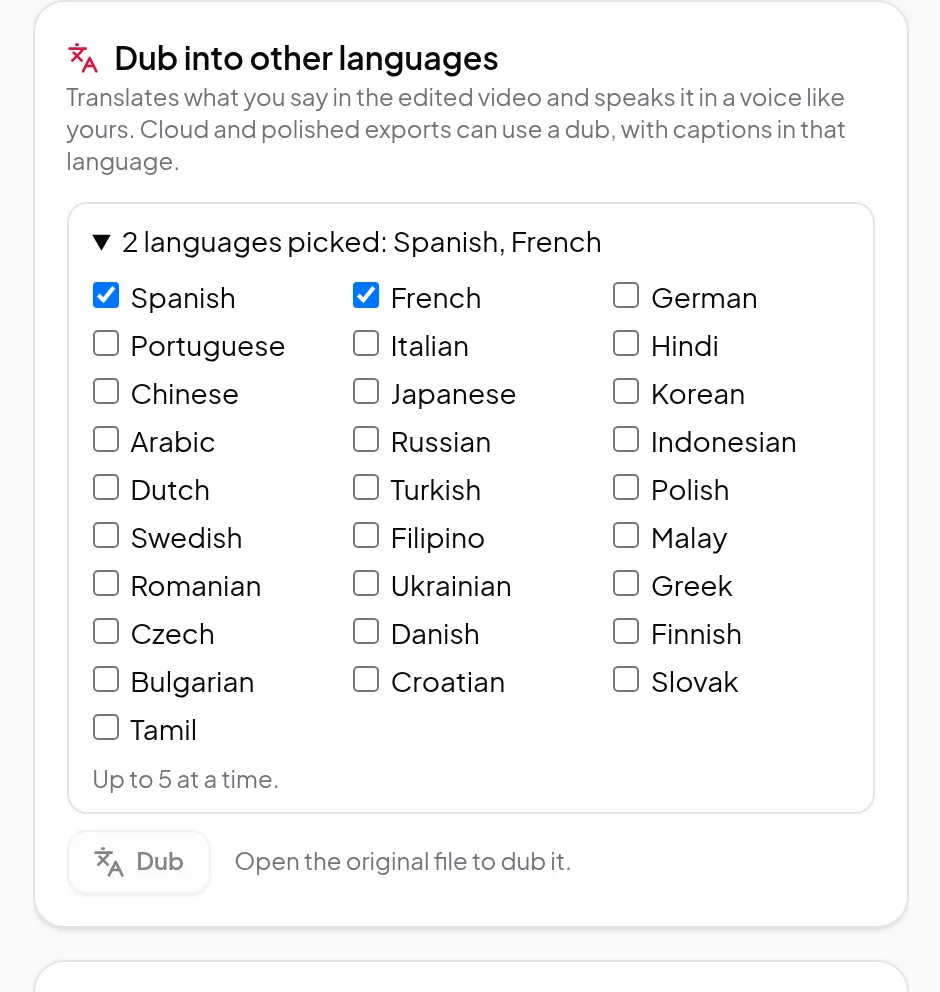
Dub an edited recording into up to 5 of 29 languages at a time in a voice like yours, with captions and clips to match — and see what works in which language.
Use case
Researchers and newsletter writers
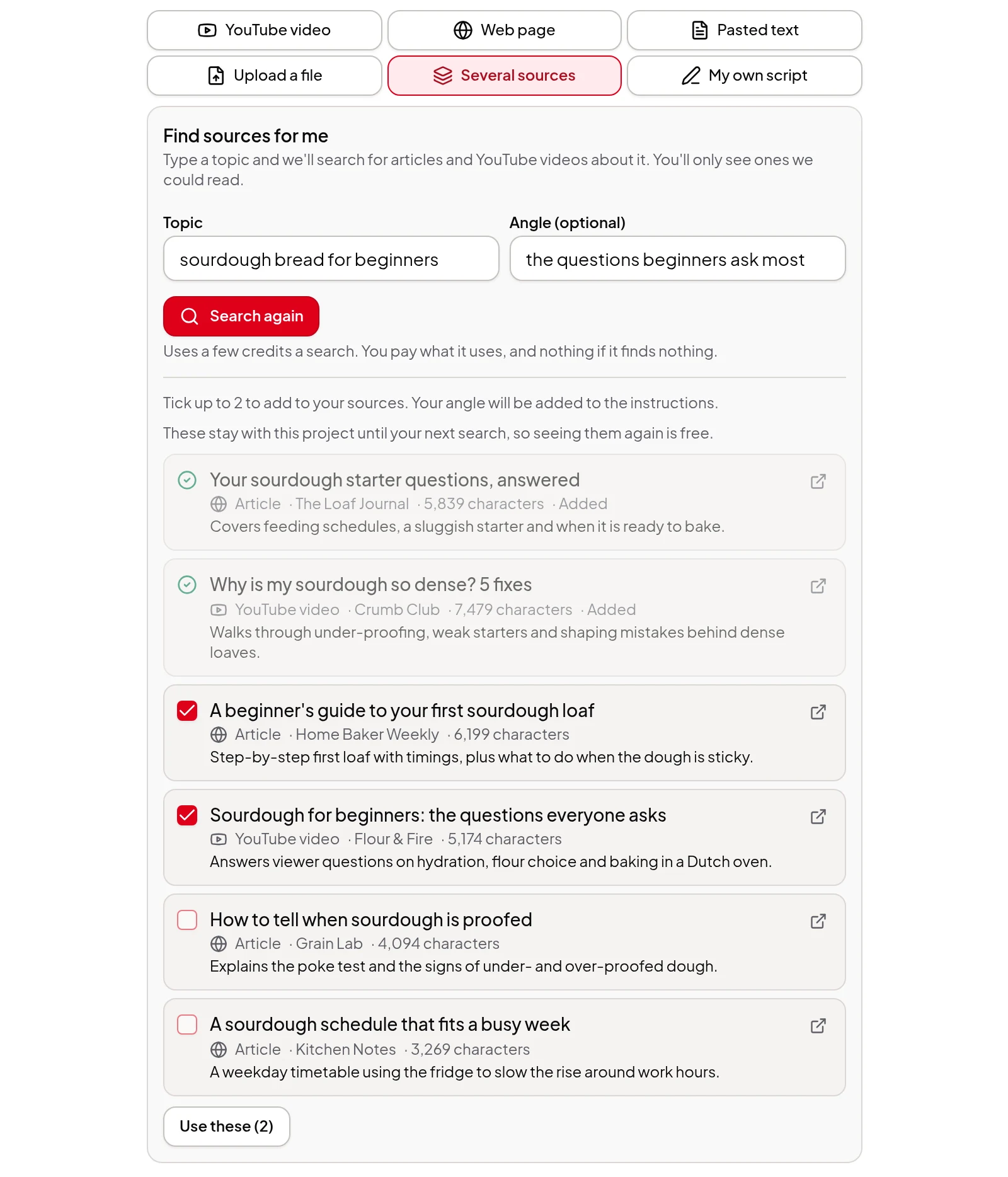
Combine 2 to 5 articles, YouTube talks, notes or PDFs into one narrated video with the sources credited, or type a topic and pick from sources Vidonto has read.
Businesses and teams
Use case
SaaS product demos and tutorials
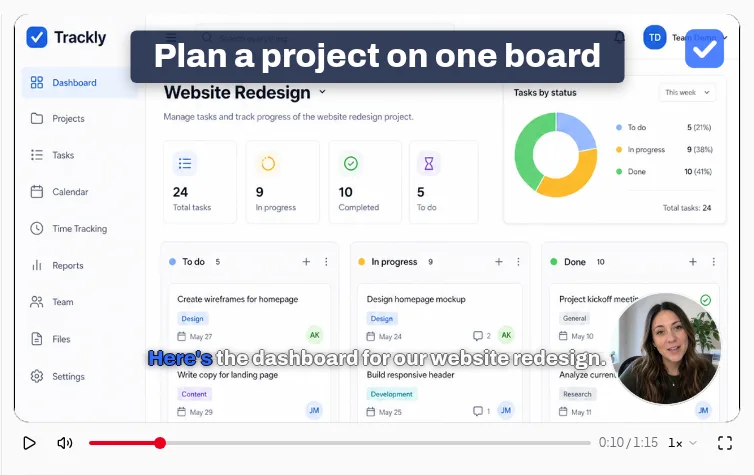
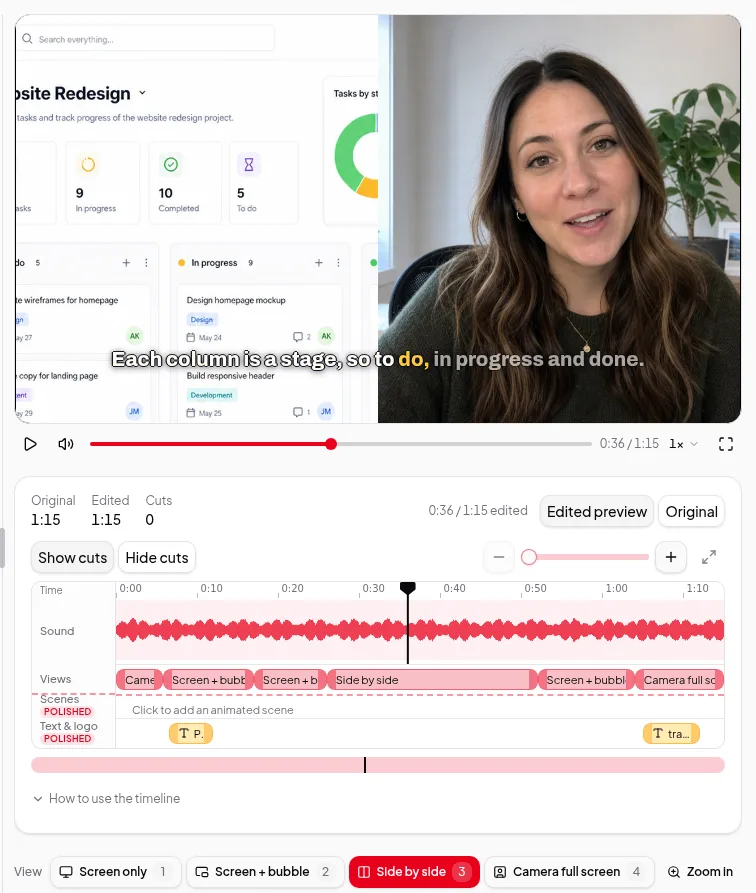
Record a product walkthrough, cut it by text, let the AI director zoom in where you click, add your logo and colours, and keep it in the cloud to edit on any device.
Use case
Marketers repurposing content
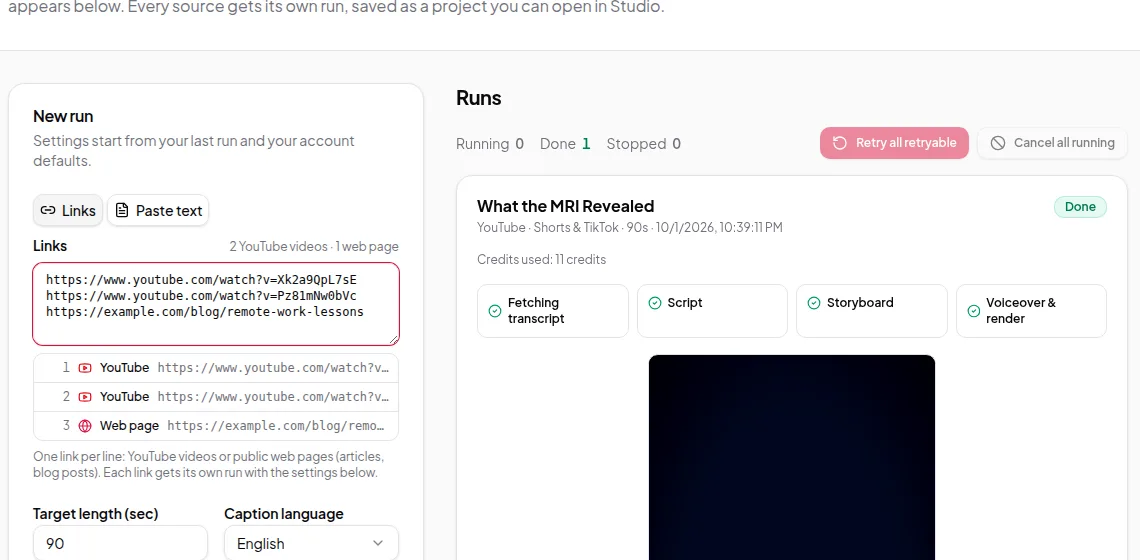
Turn blog posts, newsletters and announcements into narrated videos with captions, in vertical, square or landscape — one at a time in the Studio or many at once.
Use case
Agencies and developers
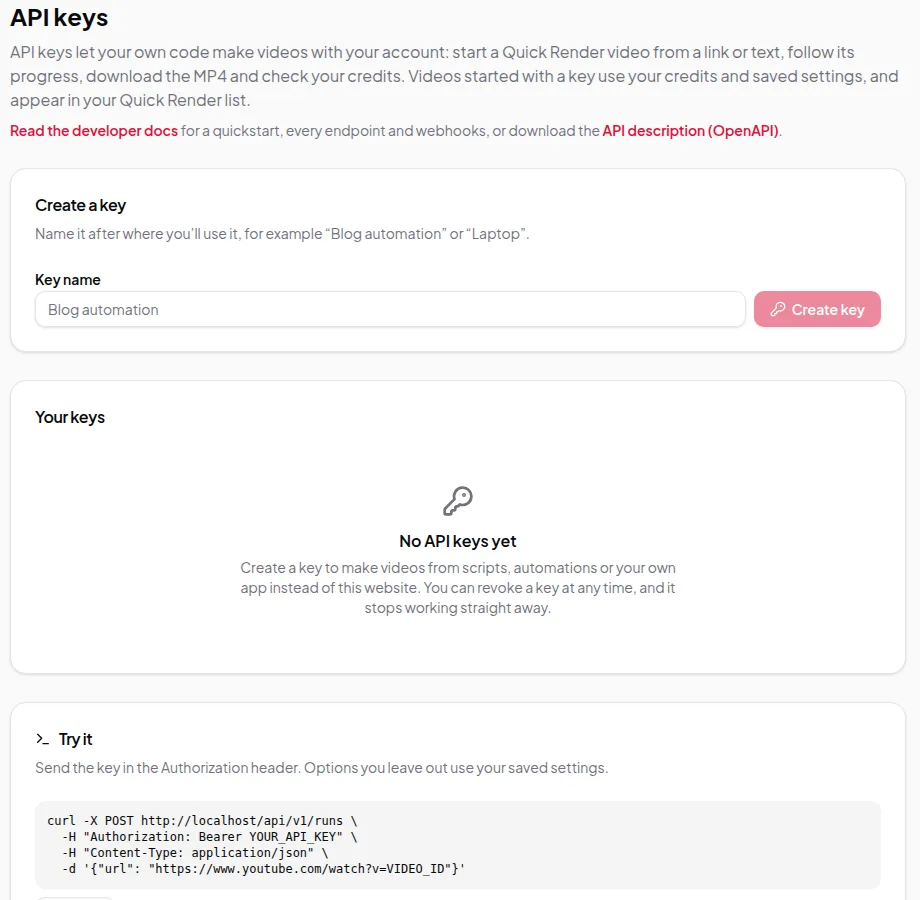
Turn lists of links, posts or scripts into finished videos without review steps, with Quick Render in the app or batches of up to 100 links through the API and webhooks.