Feature
Join several videos into one
Put two or more videos in order and join them into one new video, right in your browser. Joining is free and the original videos don't change.
Updated
Recorded in several takes, or want an intro in front of your demo? Join videos makes one new video from several, in the order you choose. The joining happens in your browser, so the files stay on your computer. The originals don’t change, and the new video opens in the Video Editor like any other.
How to join videos
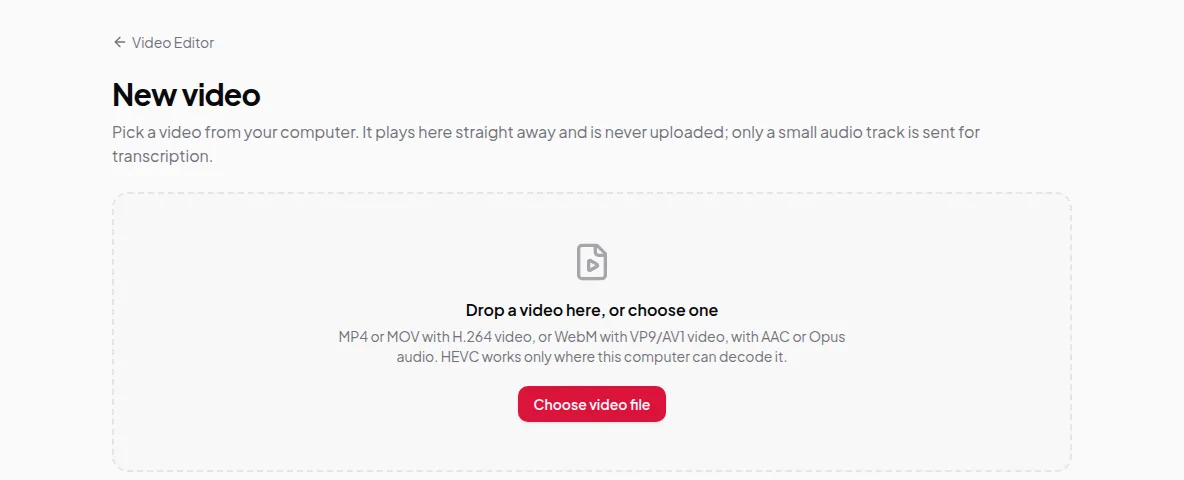
- Open Video Editor and click New video.
- On the Join videos card, click Join videos.
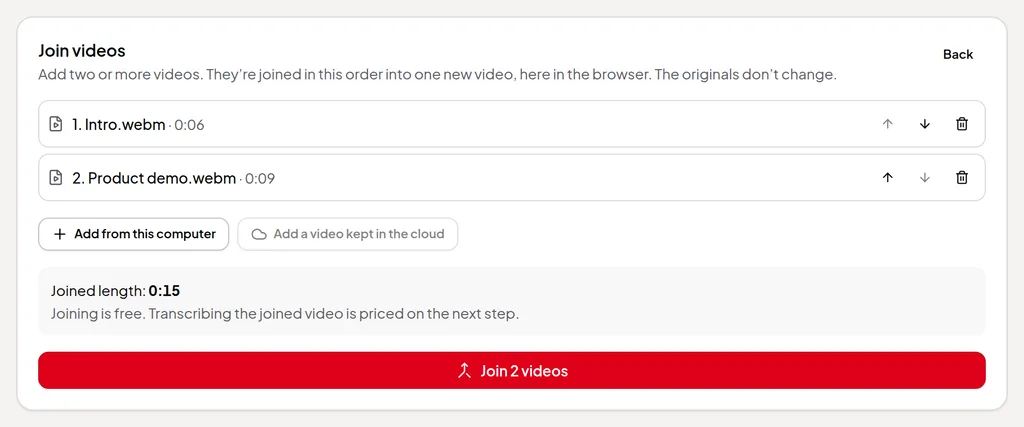
- Add two or more videos with Add from this computer, or Add a video kept in the cloud for a video you keep in the cloud. You can mix both.
- Put them in order with the up and down arrows, or remove one. The panel shows the joined length.
- Click the join button. It counts your videos, for example Join 2 videos. When it’s done, choose Save to this computer, or Keep in the cloud instead.
- Add a title and transcribe the new video, as with any new video. Then edit it by its words as usual.
How the joining works
- Matching files are copied, not re-encoded. When every video is the same kind of file, with the same picture size and sound, they’re put end to end as they are. That’s quick and keeps the full quality.
- Different files are converted. When the videos differ, for example a phone clip and a screen recording, they’re converted to one picture size and sound format. Smaller or differently shaped pictures get black bars.
- Camera files come along. When videos recorded with a camera all have their camera bubble in the same place, the new video keeps one camera file, so you can still switch camera views. Otherwise each part’s camera bubble is drawn into its picture as it was placed.
- Every part is checked first. A video the browser can’t read is refused before anything is joined or charged.
Limits worth knowing
- You need at least two videos.
- Videos that need converting must be ones this browser can decode. HEVC files from iPhones, for example, work only where your computer can decode them.
- Joining runs in your browser, so long or large videos take a while on slower computers. Keep the tab open until it’s done.
Credits
Joining is free. Adding a video you keep in the cloud is a download, so it uses credits, and the panel shows the price before you join. It’s charged when you join, and opening the same videos again is free for about an hour. Transcribing the joined video is priced on the next step, like any new video. See credits explained.