Feature
Clean up the sound of your recording
Remove background noise and room echo from your voice in one click, choose how strong the cleanup is, and use the cleaned sound in the preview and every export.
Updated
A humming fan, traffic outside or an echoey room makes a good recording hard to listen to. Clean up sound removes background noise and room echo from your voice, so the recording sounds like it was made somewhere quieter.
How it works
- Open the recording in the Video Editor with its original file.
- In Clean up sound, click Clean up sound. The estimate is shown before it starts.
- Only the sound is uploaded; the video stays on your computer. Keep the tab open until the upload finishes.
- When it’s ready, Use cleaned sound is switched on. Play the preview to hear it.
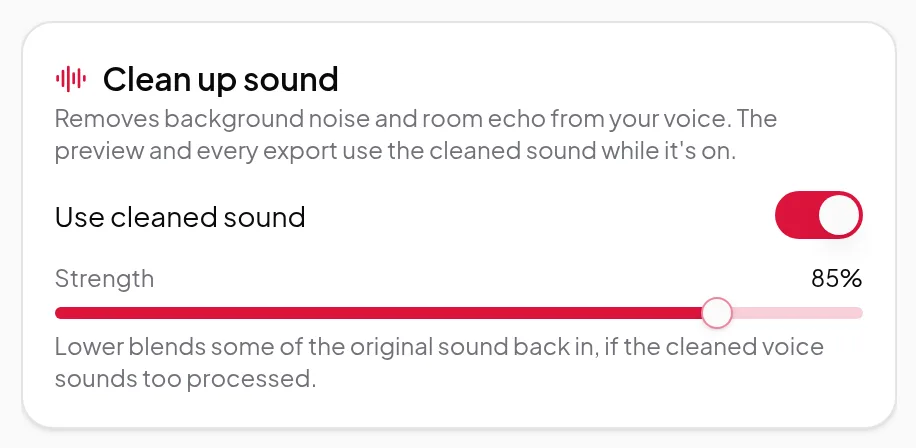
Strength
Use the Strength slider to choose how much of the cleaned voice you hear. Lower blends some of the original sound back in, which helps if the cleaned voice sounds too processed. Switch Use cleaned sound off at any time to go back to the original. Changing the strength or switching it off doesn’t cost anything.
Where the cleaned sound is used
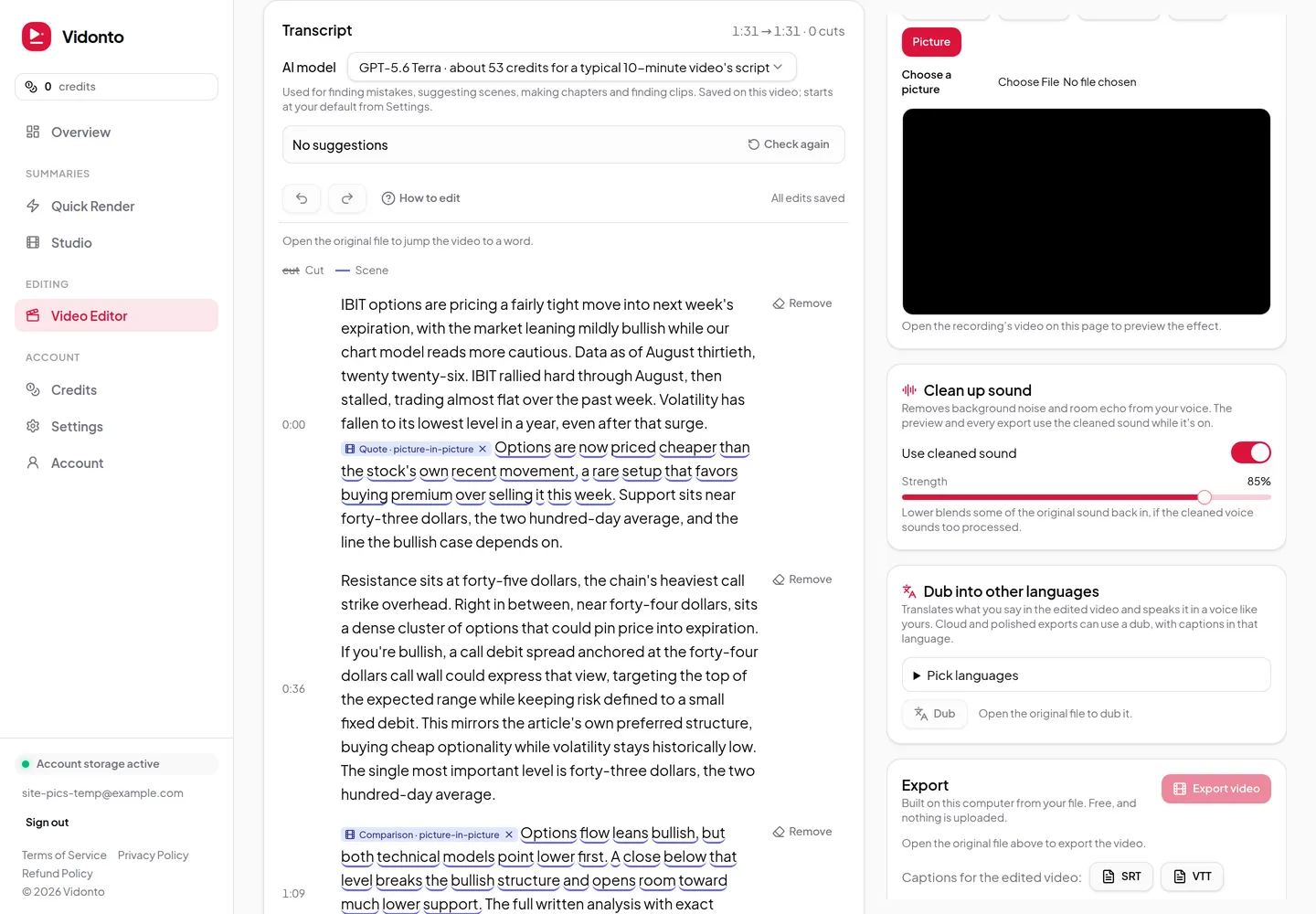
While it’s on, the preview and every export use the cleaned sound — the free export on your computer, cloud exports, polished videos and short clips. Your edits and cuts apply to it in the same way.
Limits worth knowing
- You need the original file open in the editor to clean up its sound.
- Cleanup works on your voice. Music or other sounds you want to keep may be reduced along with the noise.
- It can’t fix sound that’s distorted or clipped from being too loud.
Credits
Cleaning up the sound uses credits based on the length of the recording, with an estimate shown before you start. Changing the strength or switching the cleaned sound off afterwards is free. See credits explained.