Feature
Polished videos from your recordings
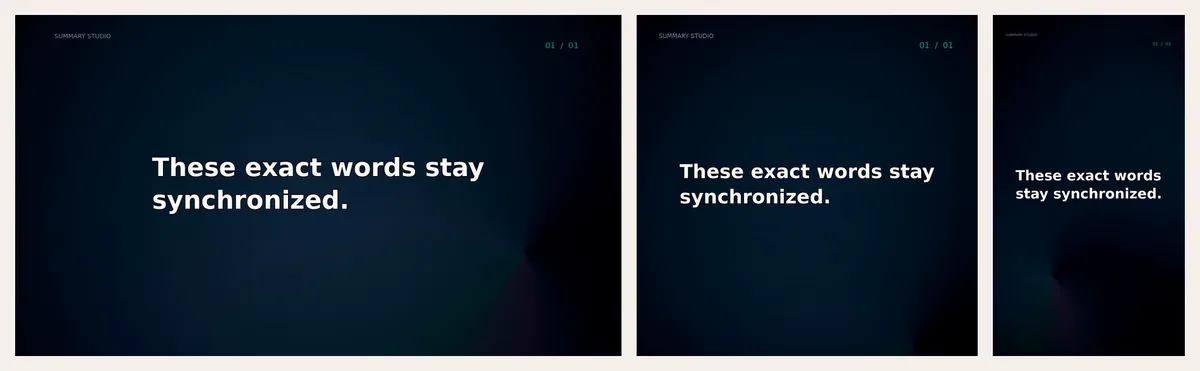
Turn an edited recording into a finished video with burned-in captions, title and end cards, a frame style and gentle zooms — in landscape, vertical or square.
Updated
A clean edit is half the job. To post a recording on Shorts, Reels, TikTok or LinkedIn you also want captions, a title, a consistent look and the right shape. A polished video does all of that in one step, from the edit you already made in the Video Editor.
What a polished video adds
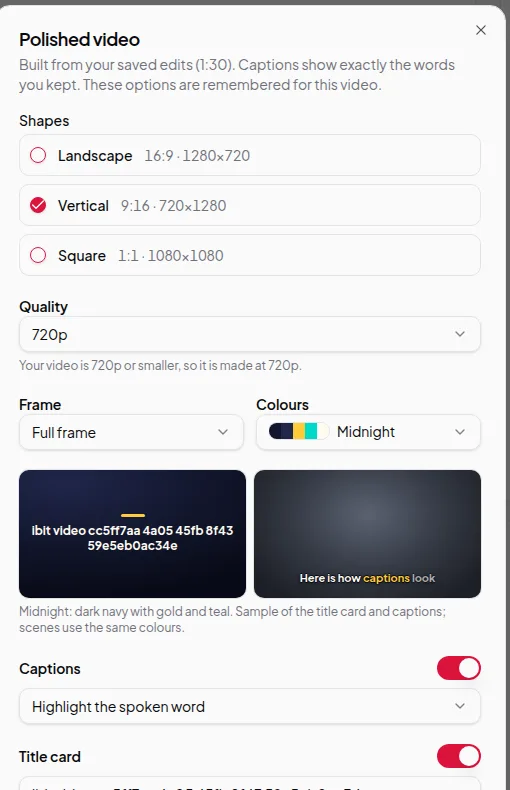
- Shapes. Landscape (16:9), vertical (9:16) and square (1:1). Pick one or several and each is made from the same edit.
- Quality. 720p up to 4K, limited by your original. A 720p recording is made at 720p.
- Frame. Full frame, rounded corners, a device frame or a coloured border around your video.
- Colours. A set of colour themes for backgrounds, cards and captions, with a live sample.
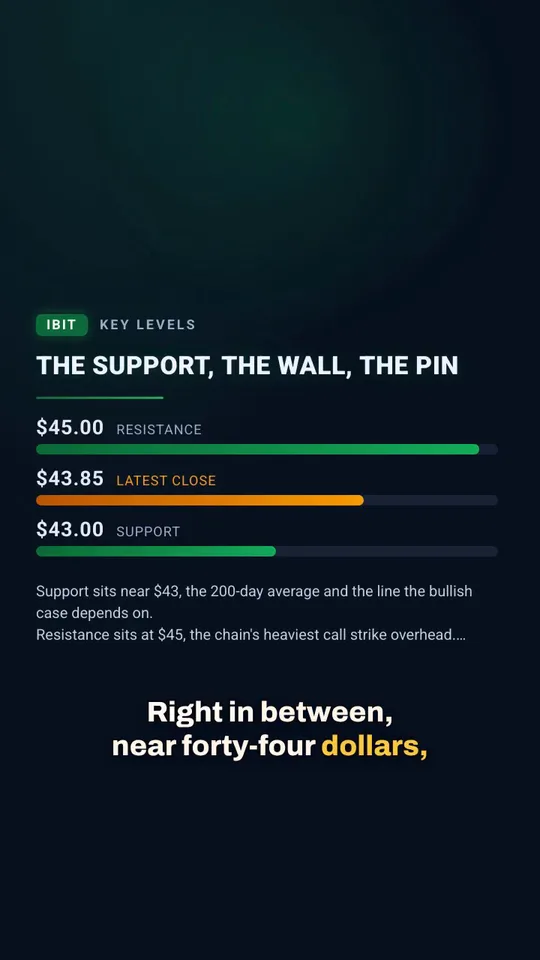
- Captions. Burned in, timed to your words, with a style: highlight, box or underline the spoken word, or plain.
- Title card, end card and name card. A short title at the start, a closing card, and a lower-third with your name.
- Gentle zooms and scenes. Zooms and animated scenes you added in chapters, scenes and zooms are played in.
Your choices are remembered for each recording, so a second version only needs the changes.
How it’s made
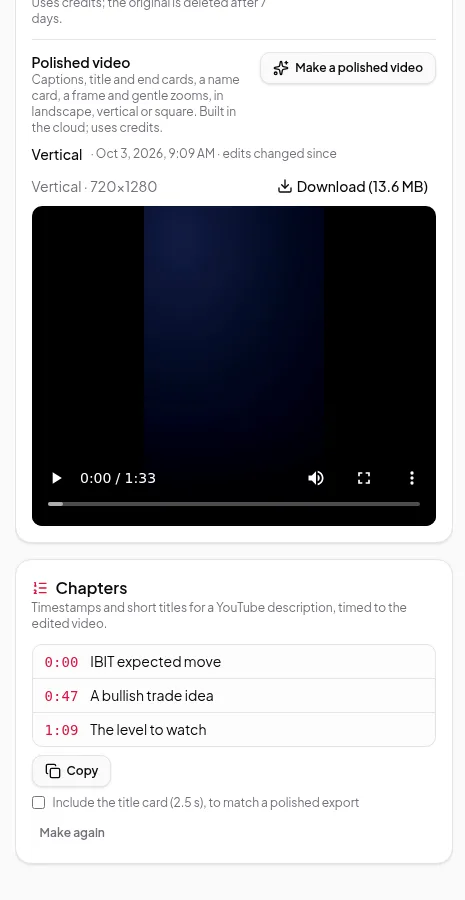
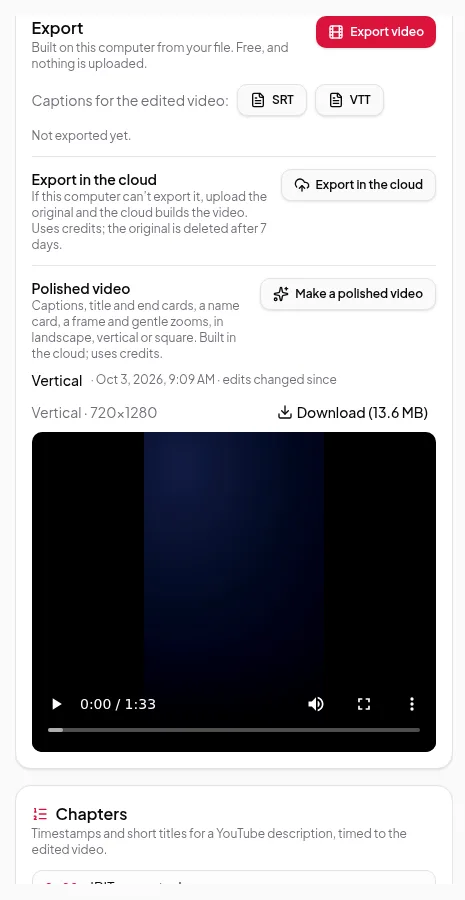
Polished videos are made in the cloud from your original file and your edits. Vidonto uploads the original once, applies your cuts and builds each shape. When it’s done, the video appears in the Export panel with its shape, size and date, ready to download.
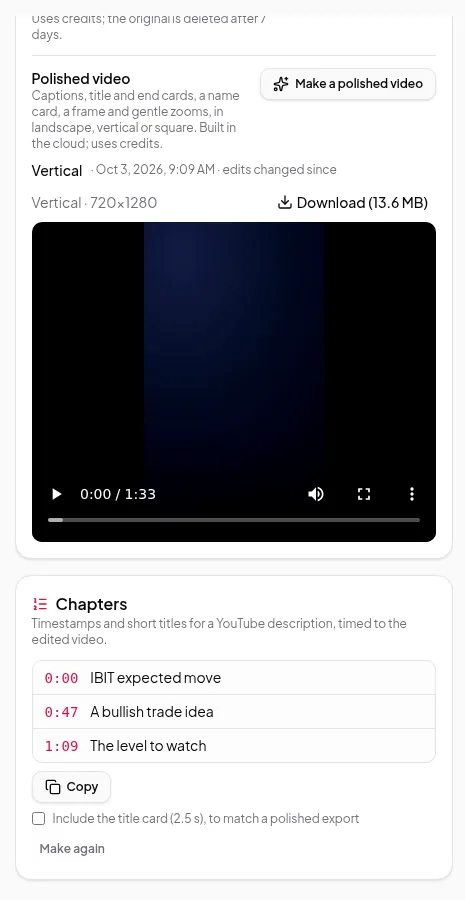
If you change the edit afterwards, older polished videos stay as they were. Make a new one to include the changes.
Limits worth knowing
- Polished videos need an internet upload of the original. Large files take longer to upload.
- Vertical and square versions of a landscape recording place your picture inside the new shape, with the frame style you chose. Check the result before posting.
- Uploaded originals are deleted after 7 days. Your edits and finished videos stay.
- Captions are in the language of the recording.
Credits
Polished videos use credits based on the length of the edited video and the number of shapes. The full cost is shown and confirmed before anything starts, and a failed render costs nothing. See credits explained.
Walk through it in export your finished video.