Feature
Dub your recording into other languages
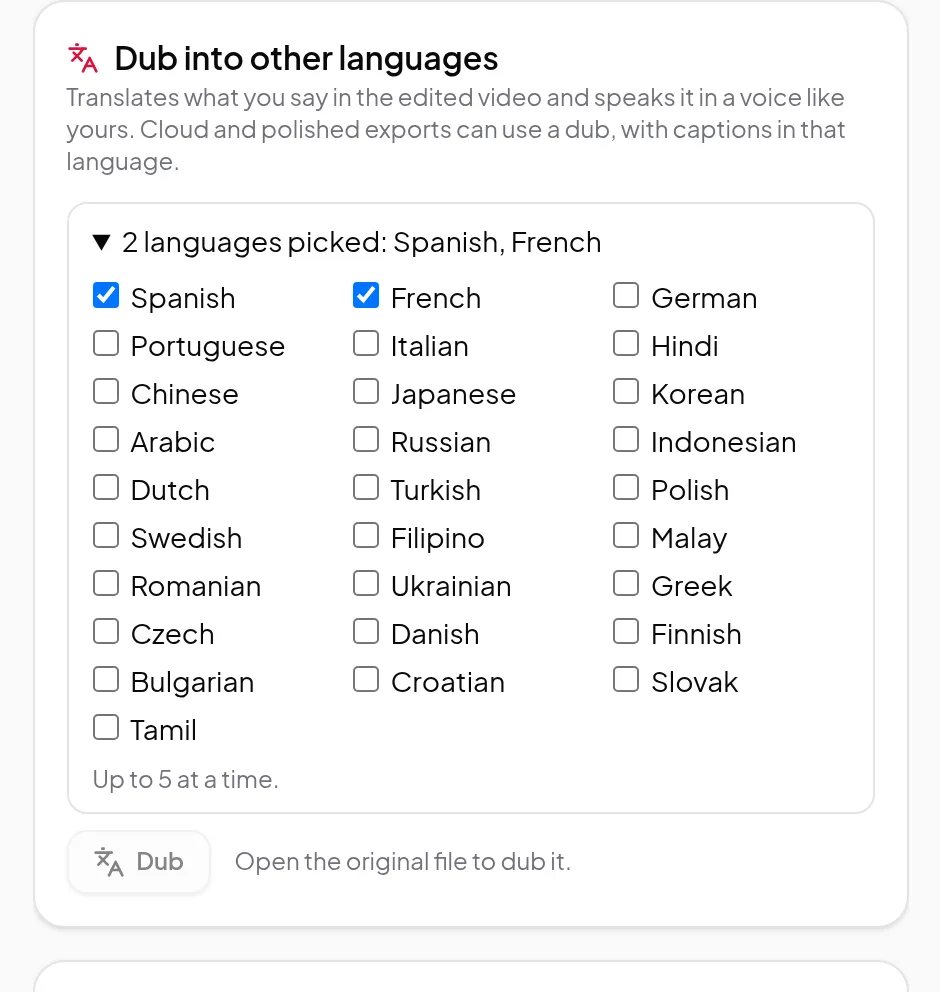
Translate what you say in your edited recording and hear it in a voice like yours, in up to 5 of 29 languages at a time, then export it with captions in that language.
Updated
Your recording can reach people who don’t speak your language. Dub into other languages translates what you say in the edited video and speaks it in a voice like yours. Cloud and polished exports can then use the dub, with captions in that language.
Languages
Spanish, French, German, Portuguese, Italian, English, Hindi, Chinese, Japanese, Korean, Arabic, Russian, Indonesian, Dutch, Turkish, Polish, Swedish, Filipino, Malay, Romanian, Ukrainian, Greek, Czech, Danish, Finnish, Bulgarian, Croatian, Slovak and Tamil. The language your recording is already in isn’t offered.
How it works
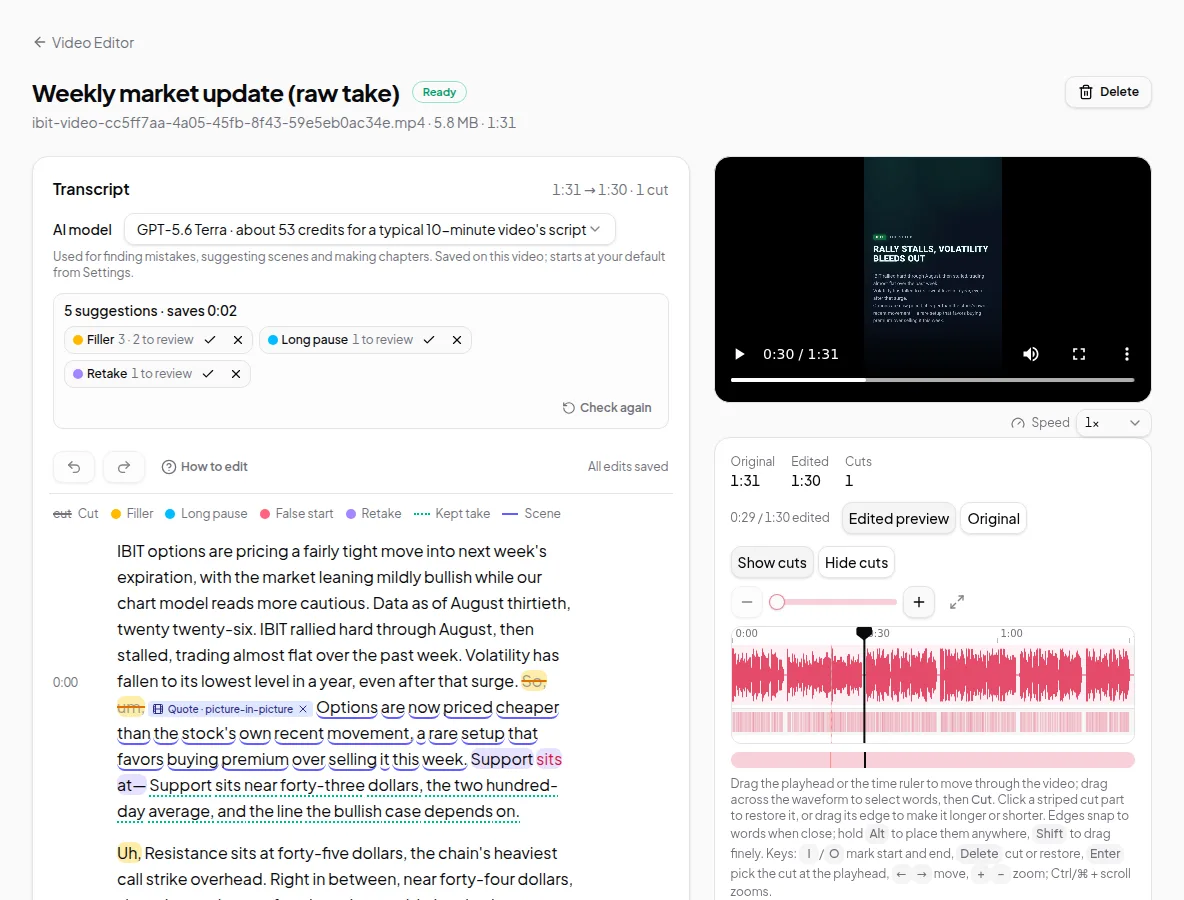
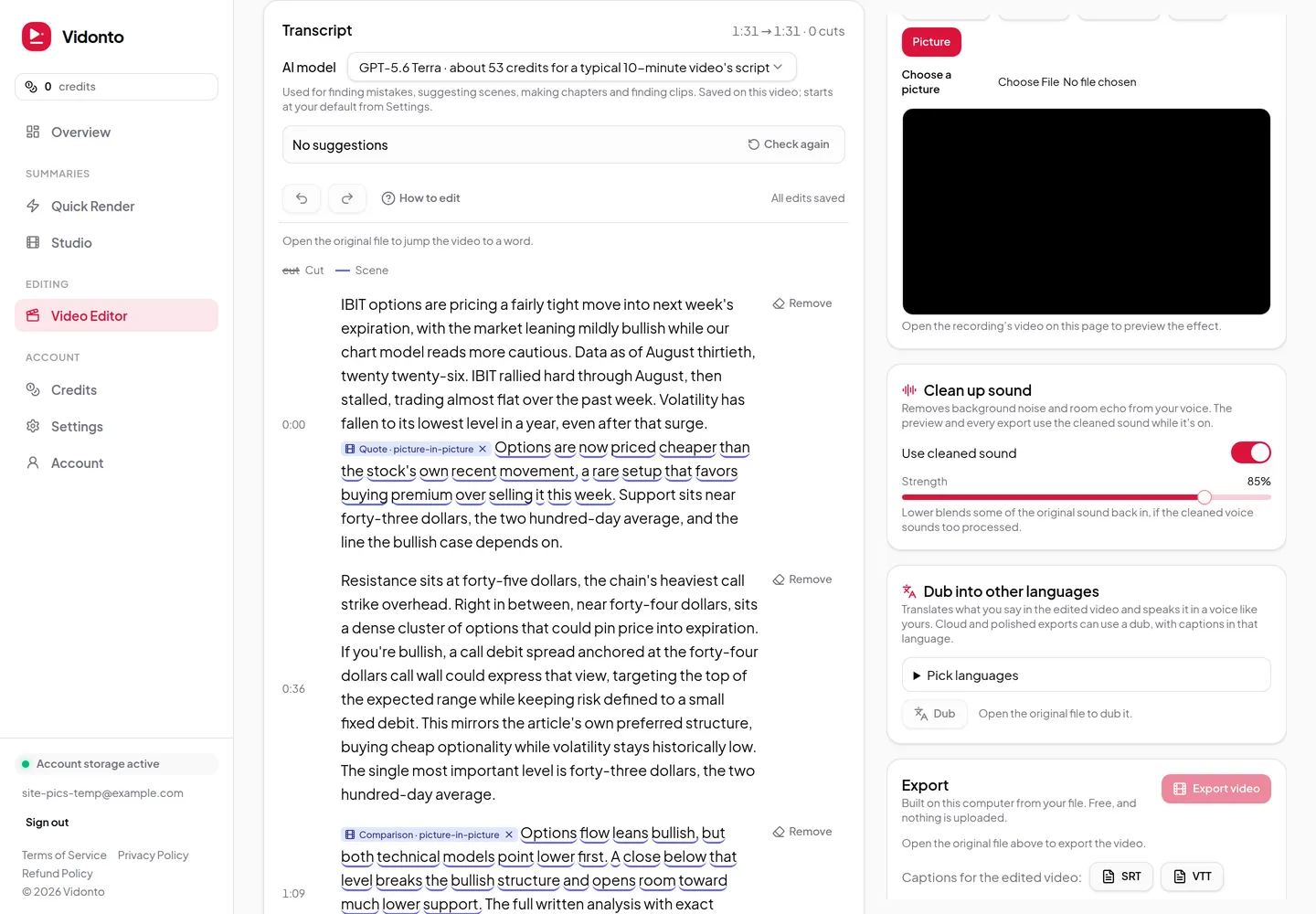
- Edit the recording first. The dub is made from the edited video, so cut what you don’t want before you dub.
- In Dub into other languages, open the list and pick up to 5 languages. The price per language is shown before you start.
- Click Dub. Only the sound is uploaded; the video stays on your computer. Keep the tab open until the upload finishes.
- When a dub is ready, play it in the editor’s preview to hear it with your video.
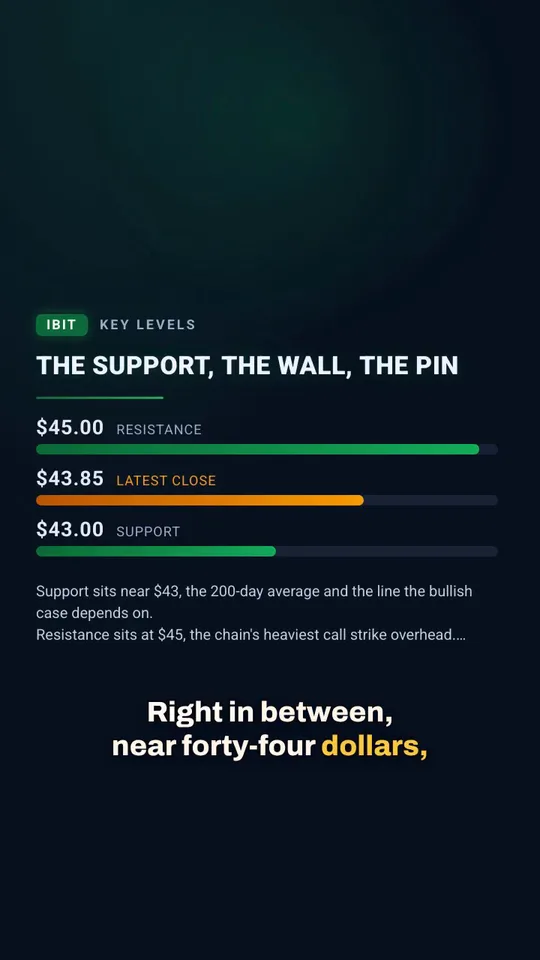
- To use it, pick the language under Language in the Export panel. The cloud and polished exports below it then use the dub, with captions in that language.
When you change the edit
A dub matches the cuts it was made from. If you change the cuts afterwards, the dub is marked Out of date: the cuts changed, and exports won’t use it until you dub that language again. Nothing is mixed up silently.
Limits worth knowing
- You need the original file open in the editor to dub it.
- The free export on your computer and the SRT and VTT caption files keep the original language. Dubs are used in cloud and polished exports.
- Translation and voice are made by AI. Check a dub before you publish it, especially names and technical terms.
Credits
Dubbing is priced per minute of edited video, per language. Two languages cost twice as much as one. The price is shown before you start, and you’re charged for the dubbed length. See credits explained.