Feature
Vertical, square and landscape videos for Shorts, Reels and TikTok
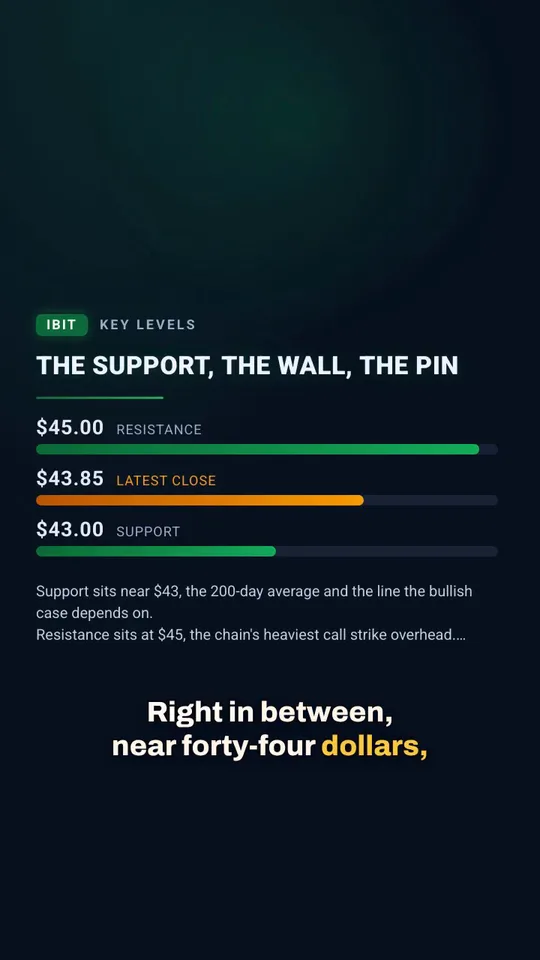
Make the same video as a 9:16 vertical for Shorts, Reels and TikTok, a 1:1 square, a 4:5 portrait or a 16:9 landscape. Layouts are designed for each shape.
Updated
Every platform wants a different shape. Vidonto makes summary videos in four formats, and lays out each frame for that shape. Text and captions are placed for the shape you pick, not squeezed in afterwards.
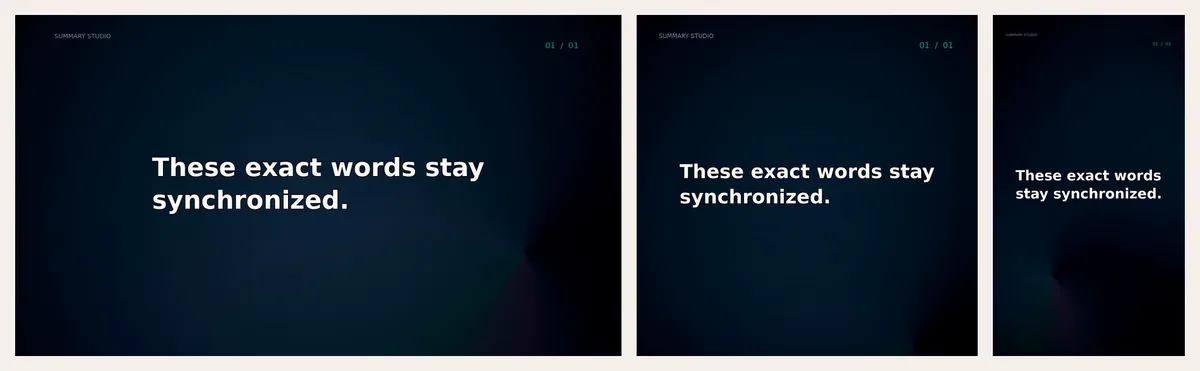
The formats
| Format | Shape | Size | Best for |
|---|---|---|---|
| YouTube | 16:9 | 1280 × 720 | YouTube videos, websites, presentations |
| Shorts & TikTok | 9:16 | 720 × 1280 | YouTube Shorts, Instagram Reels, TikTok, Stories |
| Square | 1:1 | 1080 × 1080 | Feeds on LinkedIn, Instagram and Facebook |
| Portrait | 4:5 | 1080 × 1350 | Instagram and Facebook feed posts |
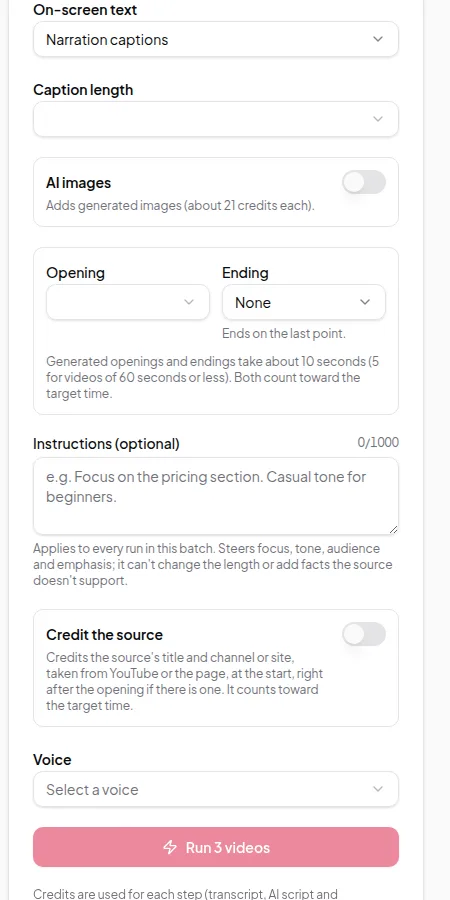
Pick the format in the Studio’s AI Generation panel before you generate the script, or under Video size in Quick Render. You can set a default in Settings.
Why the format is chosen before the script
Vertical videos are watched quickly and shown with less text on screen. Vidonto takes the format into account when it plans the video — how much text fits on a frame, how captions wrap, and where headlines go. That’s why the format is part of the first step rather than a crop at the end.
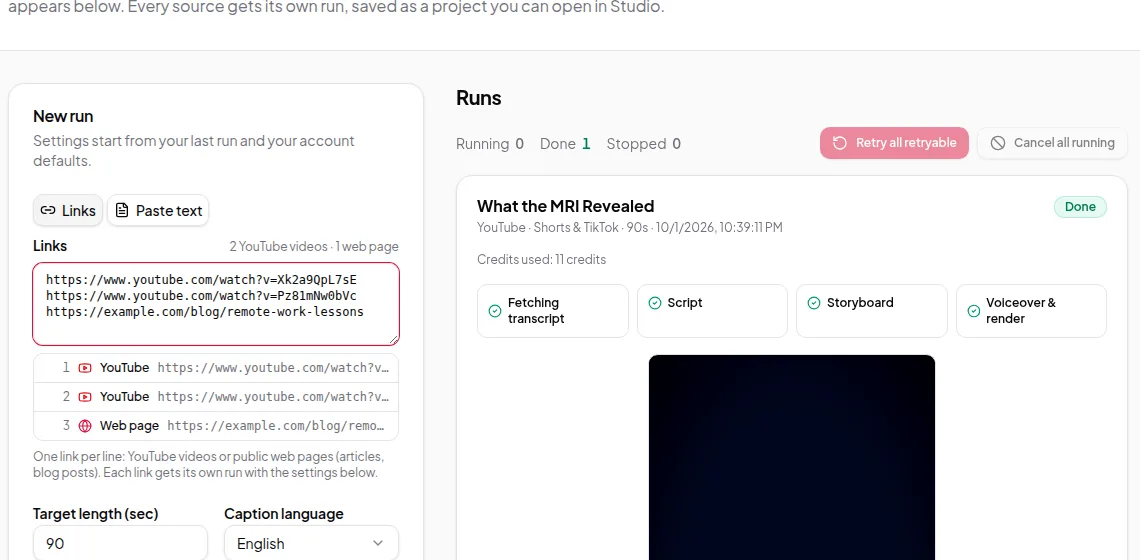
To make the same source in two shapes, run it twice: once as landscape for YouTube and once as vertical for Shorts. In Quick Render you can paste the same link into two runs with different sizes. The Shorts and Reels guide shows how.
Your own recordings
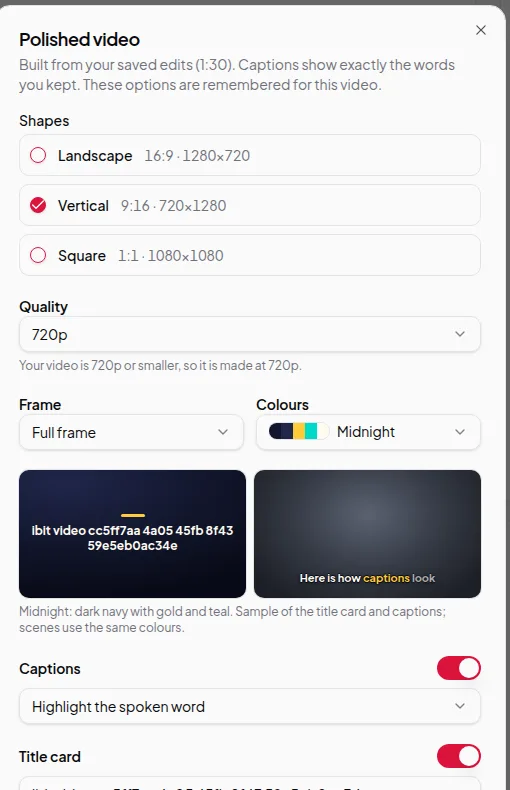
For recordings you edit in the Video Editor, a polished video can be made as landscape (16:9), vertical (9:16) or square (1:1) — or several of these in one go. Your recording is placed inside the new shape with a frame style you choose (full frame, rounded corners, a device frame or a coloured border) and captions underneath. See polished videos.

Limits worth knowing
- Each summary video render makes one format. Making a second shape means a second render, which uses credits again.
- Summary videos are rendered at the sizes in the table.
- Polished recordings can be made in several shapes at once, and each shape is charged separately.
Credits
The format doesn’t change the price of the script or storyboard. Render cost depends mostly on the length of the video. See credits explained.
Ready to make a Short? Follow make Shorts and Reels from a long video.