Feature
Quick Render — make many summary videos at once
Paste a list of YouTube and web page links, one per line, and Quick Render makes one finished summary video per link with no review steps in between.
Updated
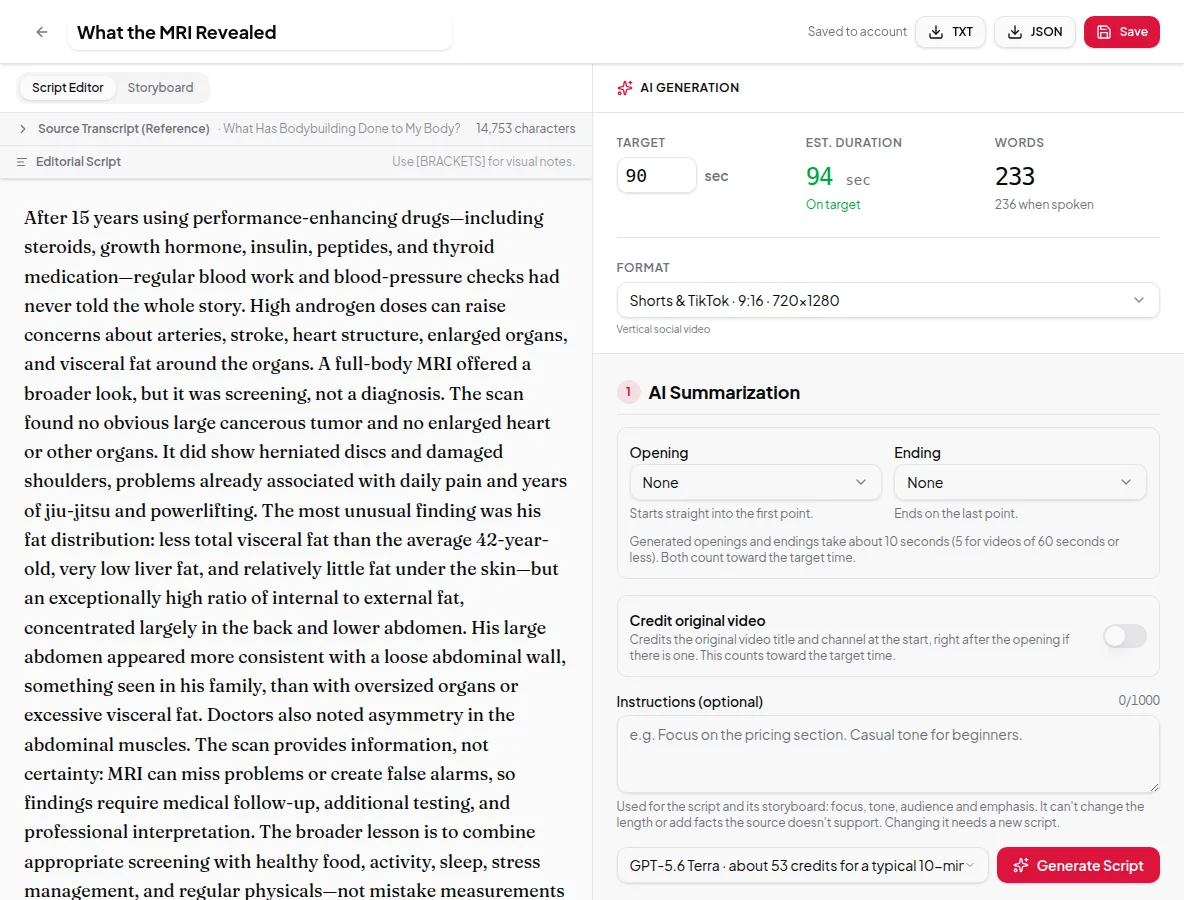
The Studio is built for care: you read the script and storyboard before anything is narrated. Quick Render is built for speed. Paste one link or a whole list, choose your settings once, and it runs every step for each link — transcript, script, storyboard, voice-over and render — until you have finished videos.
How it works
- Open Quick Render and stay on Links, or switch to Paste text for a single block of text.
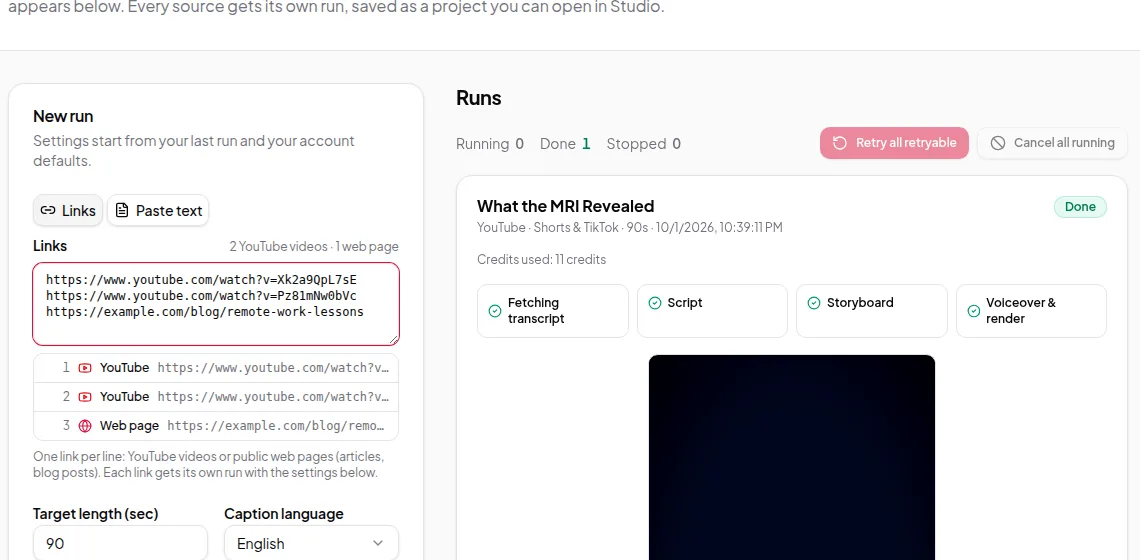
- Paste links, one per line. Each line is checked and labelled as a YouTube video or a web page. YouTube channel or playlist links are flagged, because they don’t have a single transcript.
- Choose the settings: target length, caption language (for YouTube links), video size, the AI model for the script, on-screen text, caption length, AI images, opening and ending, instructions, crediting the source, and the voice.
- Check the estimate and click Run. The button shows how many videos it will make.
The whole list is checked before anything starts. If one line is invalid, nothing runs until you fix it, so you never end up with half a batch. Duplicate links are only made once.
Following the runs
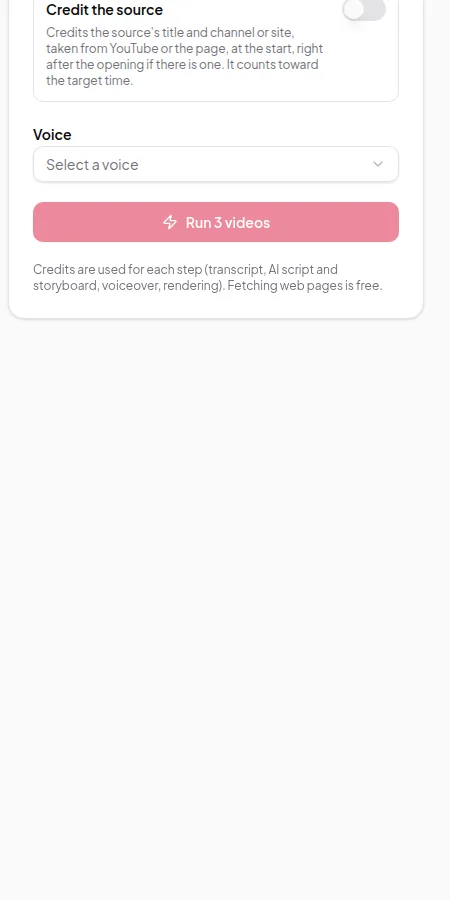
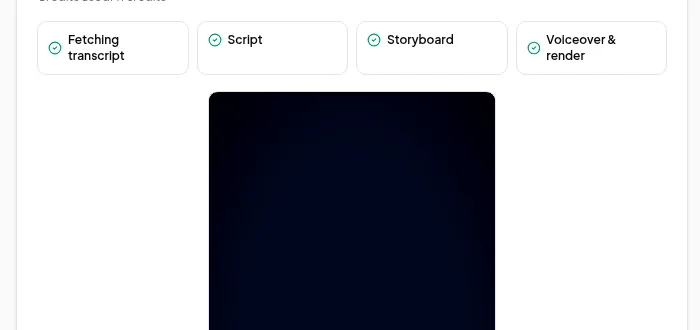
Each run appears in the Runs list with its steps: fetching the transcript (or page), script, storyboard, and voice-over and render. When a run finishes, you can play the video, download the MP4 and captions, or open it in the Studio to make changes and render again.
When to use Quick Render instead of the Studio
| Use Quick Render when… | Use the Studio when… |
|---|---|
| You trust your default settings | The exact wording matters |
| You have many sources to turn into videos | You want to edit frames, captions or figures |
| Speed matters more than polish | You’re making one important video |
Quick Render approves the script and storyboard automatically. The approvals are recorded the same way as in the Studio, so you can still open a finished run, review it and render a new version.
Limits worth knowing
- One pasted text block makes one video. Use links for batches.
- Caption language only applies to YouTube links, because web pages and pasted text have no caption tracks.
- If a run fails part-way, you can retry it. Steps that already succeeded aren’t paid for twice.
- For more than a handful of links at a time, or to run batches from your own system, use the developer API, which accepts up to 100 links in one batch request.
Credits
The Run button shows an estimate for the whole batch. When the batch starts, the credits for every run are held at once. If there aren’t enough credits for all of them, nothing starts. Each run is charged step by step as it succeeds, and anything unused is returned. Fetching web pages is free. See credits explained.
Try it with make Shorts and Reels from a long video.