Use case
Make videos in bulk for clients, catalogues and content feeds
Turn lists of links, posts or scripts into finished videos without review steps, with Quick Render in the app or batches of up to 100 links through the API and webhooks.
Updated
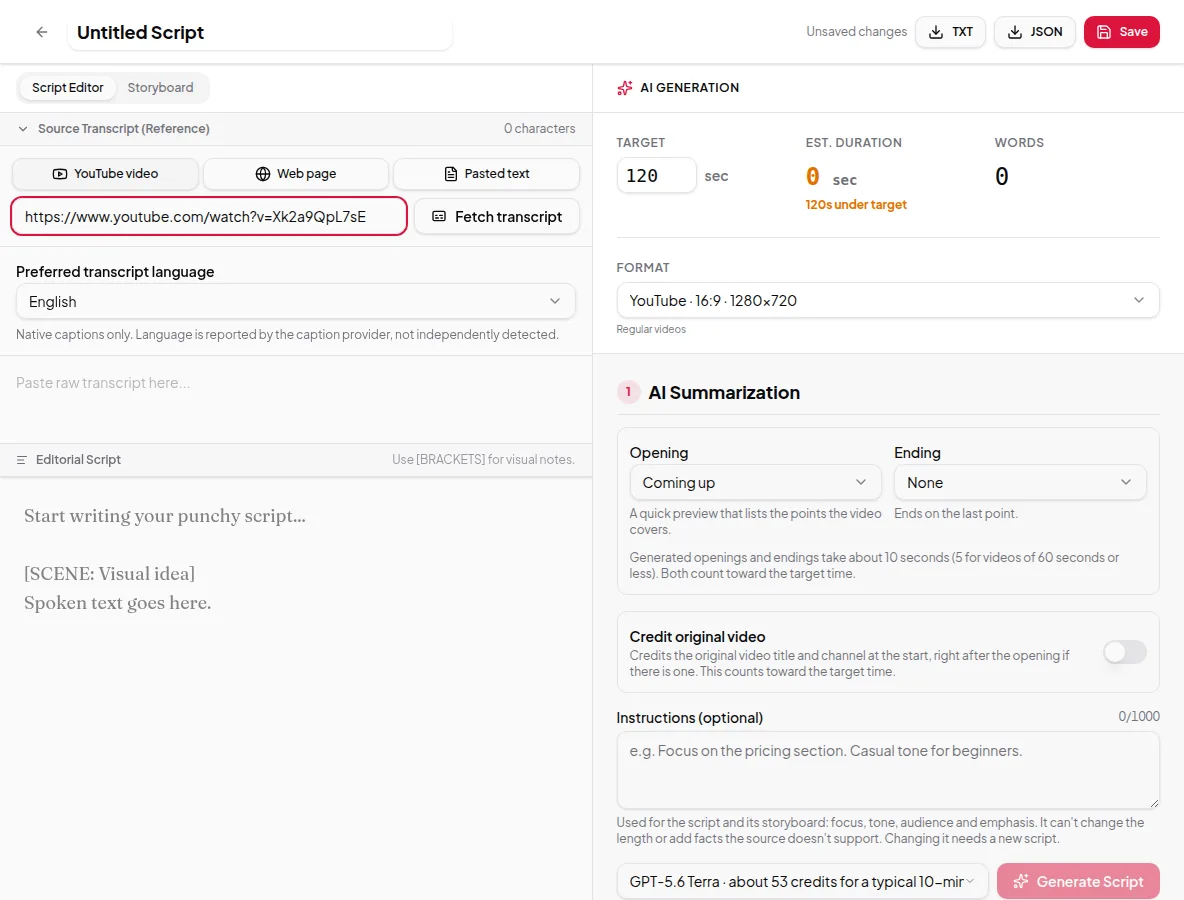
When videos are a line item rather than a project — one for every client blog post, every product in a catalogue, every podcast episode — reviewing each script by hand stops working. Vidonto has two ways to make many videos with the same settings: Quick Render in the app, and the API for your own systems. Both go through the same steps, use the same credits and give the same results as the Studio.
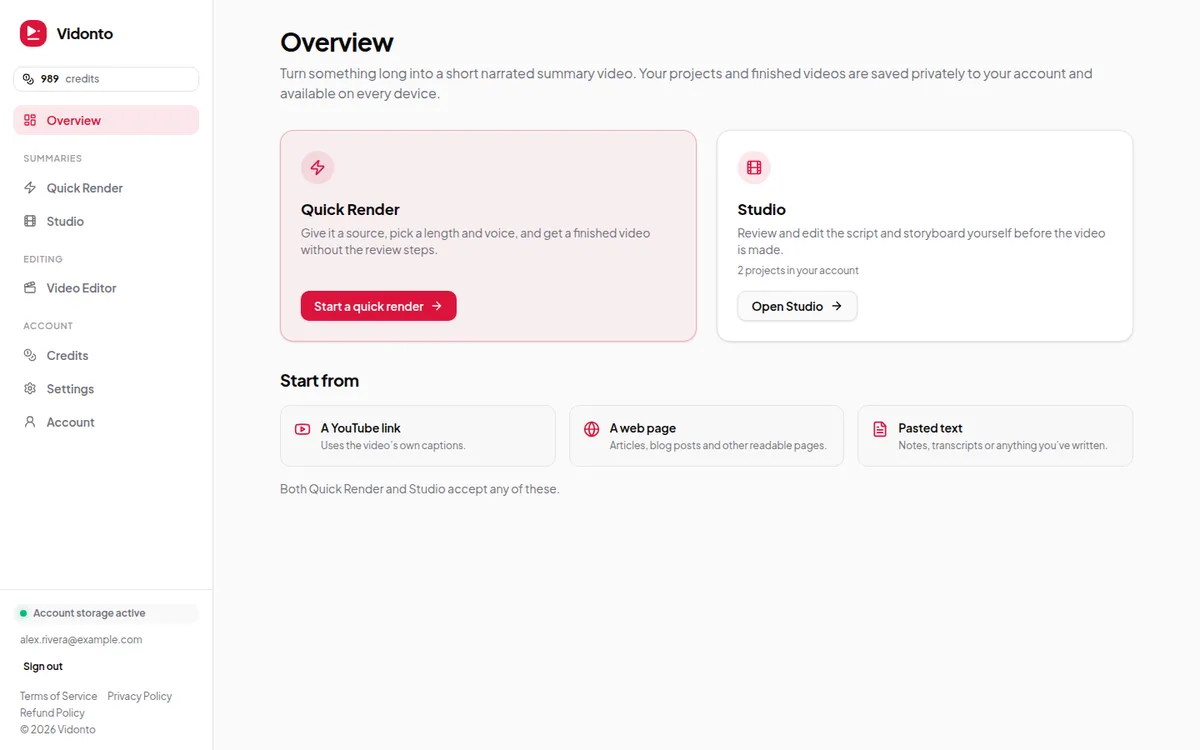
Quick Render: batches from the app
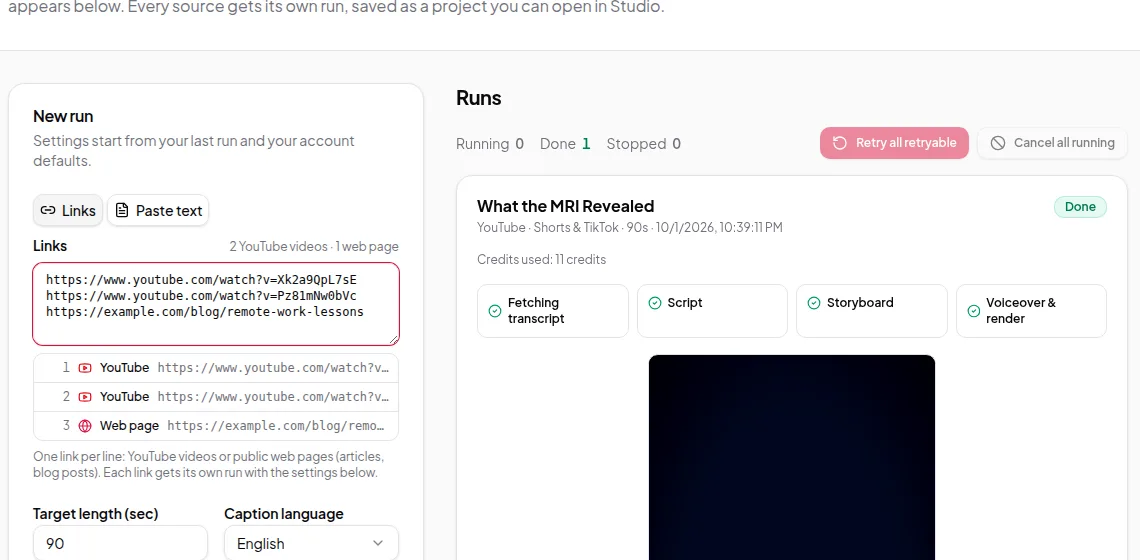
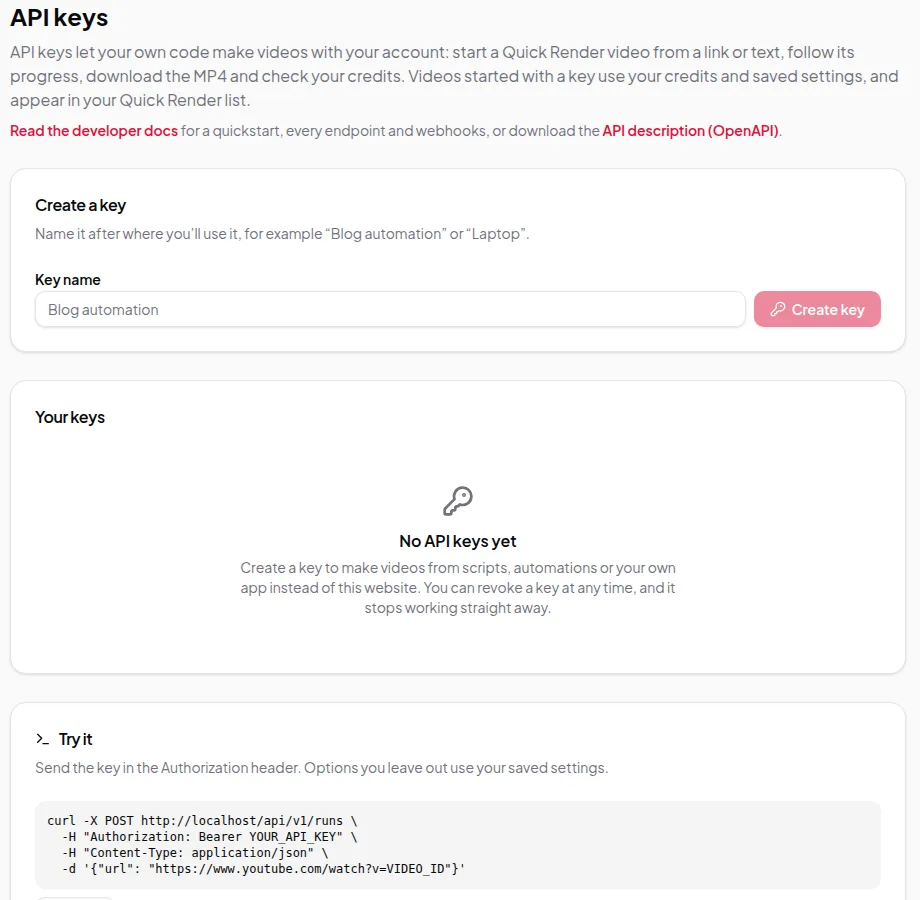
Paste a list of YouTube and web page links, one per line, choose the settings once and click Run. Each line is checked and labelled, and channel or playlist links are flagged. The whole list is checked before anything starts, so you never end up with half a batch, and duplicate links are only made once. Credits for every run are held together, and if there aren’t enough for all of them, nothing starts.
Each run shows its progress in the Runs list. When it finishes, download the MP4 and captions, or open it in the Studio to change something and render again. See Quick Render.
The API: videos from your own code
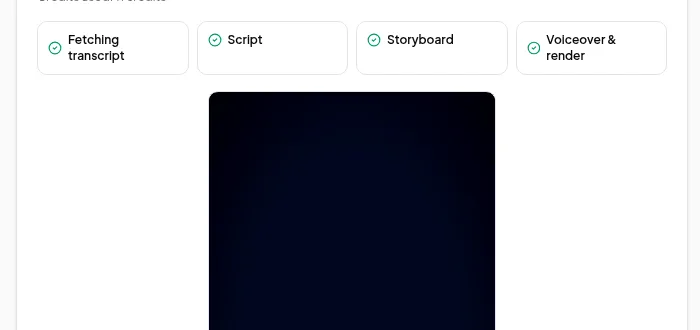
- Create an API key under Account → API keys. You can have up to 10 active keys, so give each integration its own name.
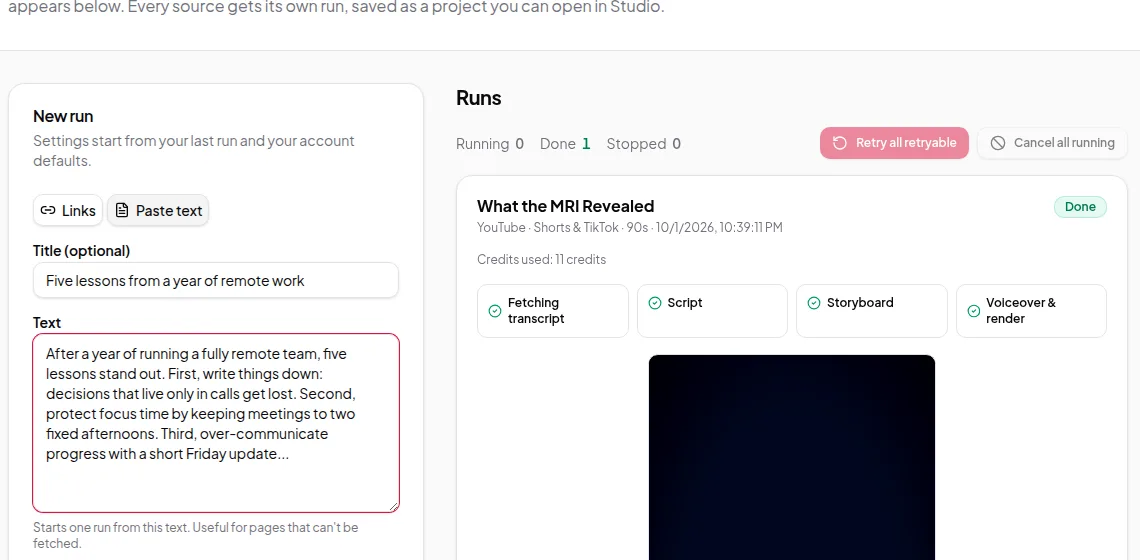
- Get an estimate, then start a run from a link, pasted text or your own script — or a batch of up to 100 links with the same options.
- Send an idempotency key with each request that starts paid work. If a network error makes you retry, you get the same run back instead of paying for a second one.
- Register a webhook for
run.succeeded,run.failedandrun.cancelled. Each delivery is signed so you can check it came from Vidonto. - Download the MP4 when the run has succeeded.
See the Vidonto API and webhooks, and the developer docs for every endpoint, with examples in curl, JavaScript and Python.
Consistent results without the reviews
- Your own words, exactly. Send a script instead of a link and it’s narrated as written, up to 20,000 characters, with no AI script step or script charge — see your own script to video.
- The same steering for every video. Instructions set the focus, tone and audience for every script in a batch — see creator instructions.
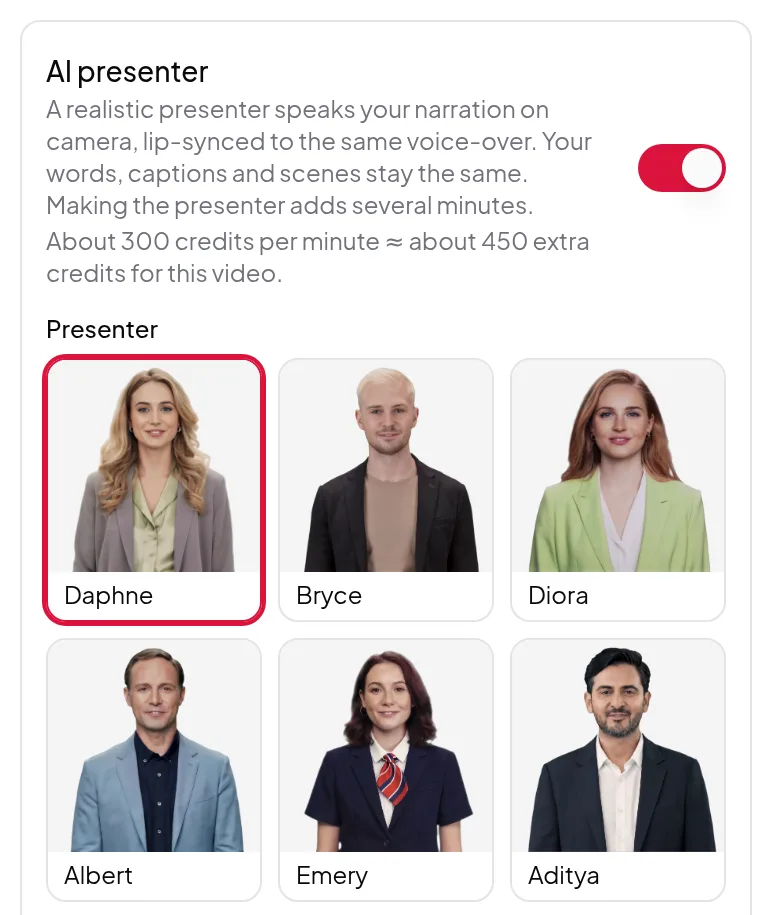
- A presenter on camera. Add an AI presenter to a batch, and every video gets the same presenter and layout.
- The shape per run. Each run makes one format. For landscape and vertical versions of the same source, start two runs.
- A way back in. Approvals are recorded as they are in the Studio, so you can open any finished run, review it and render a new version.
Worth knowing first
- Quick Render and the API approve the script and storyboard automatically. When the wording of one video really matters, use the Studio.
- An account has one credit balance. There are no separate client workspaces or team seats.
- The Video Editor for your own recordings isn’t available through the API.
- Summary videos can use the brand kit’s colours and logo with the My brand look in Studio and Quick Render, but not through the API yet.
- API requests are rate-limited. Use webhooks rather than polling often. Keep keys secret, because anyone with a key can spend your credits.
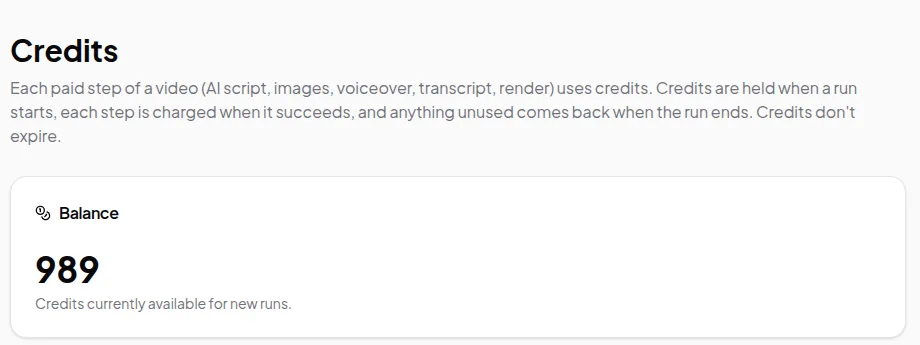
- API runs cost the same as runs started in the app, and a run your balance can’t cover is refused before it starts. See credits explained.
Get started
Try one video in the app, then automate it: