Feature
Custom animated scenes and the AI director for summary videos
An AI director plans how each frame of a summary video is shown, and custom animations are written for the concept and process frames a layout can't explain.
Updated
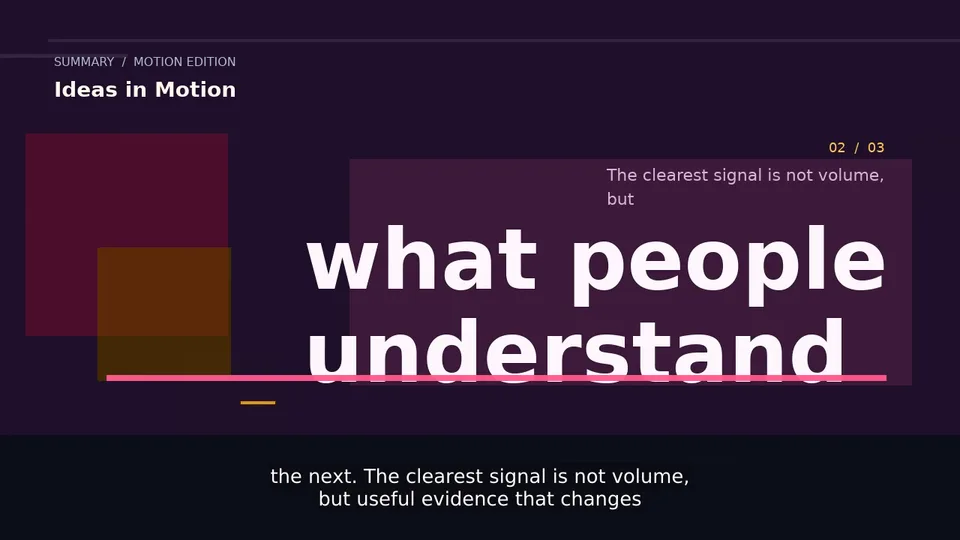
Some ideas are hard to show with a headline and a list: a process with moving parts, a cause and its effect, a metaphor. For summary videos made from a YouTube video, a web page or text, Vidonto’s AI director decides how each frame should be shown, and custom animated scenes turn the frames that need it into an animation written just for them.
The AI director plans every frame
When the storyboard is made, the director goes through it frame by frame and picks the Visual for each one:
- Layout — the frame’s own layout: an editorial text frame, a list that builds point by point, a key figure, or a visual scene such as icons, a comparison, a quote or a chart.
- AI image — a picture made for the frame, when AI images are on. See AI images and data visuals.
- Custom animation — an animation written for this frame.
Each frame’s Director box in the storyboard editor shows its pick and a short reason in plain words. The Director’s plan at the top sums it up: how many frames get an AI image and how many a custom animation.
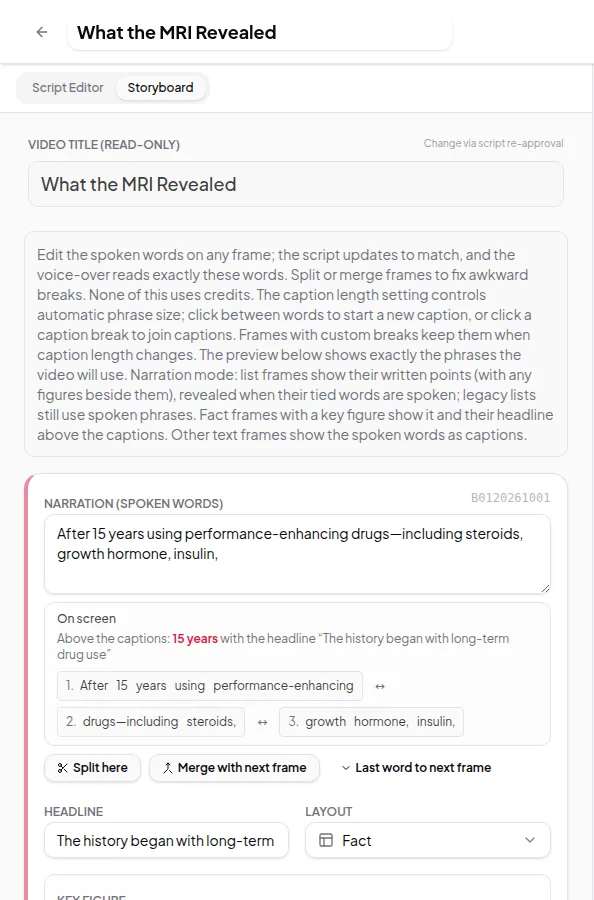
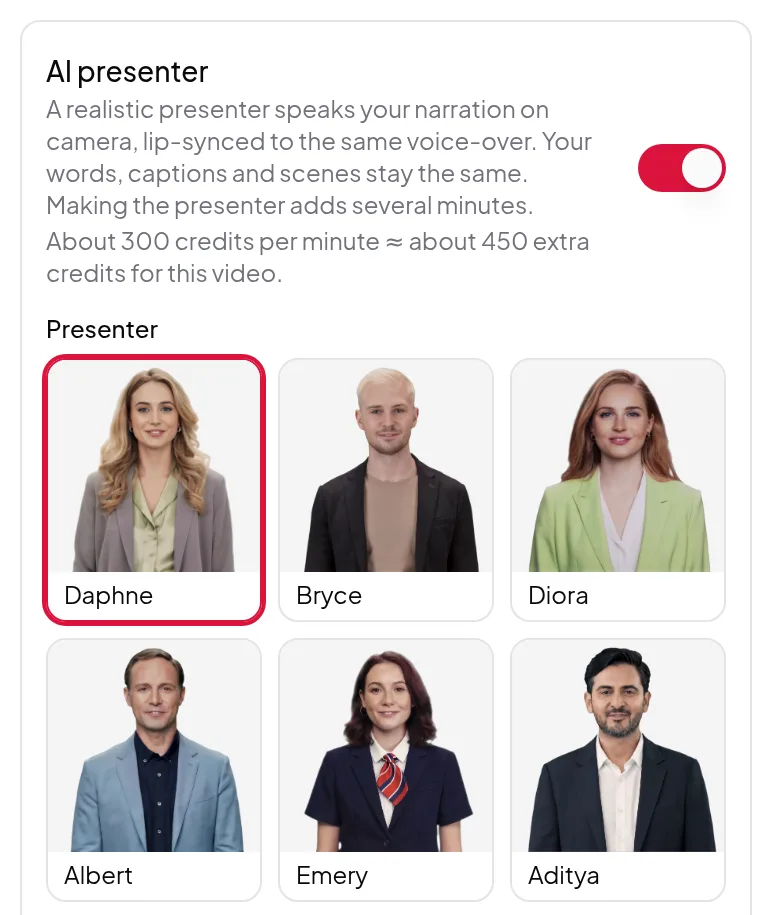
When the AI presenter is on with Let the director decide, the Director box also says where the presenter stands in each frame: full screen for a personal moment, beside the visual when there’s something to read, or in the scene. The director keeps full-screen stretches short.
You have the final say
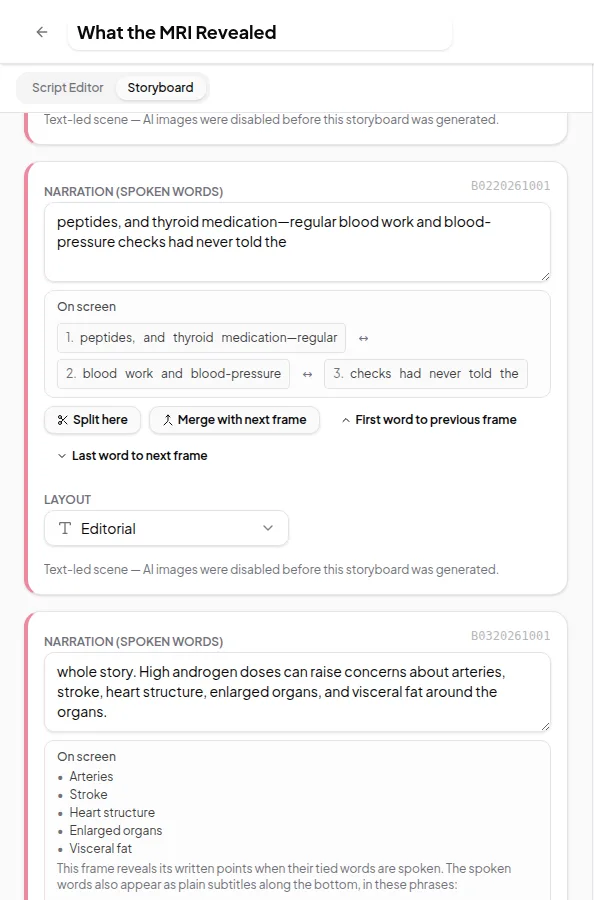
Change any frame’s pick before you approve the storyboard. Pick Custom animation for a frame you think needs one, or switch a frame back to Layout. Your choices are kept as you make them, the approved choices are what renders, and the estimate follows them. Changing the storyboard never uses credits.
Custom animated scenes
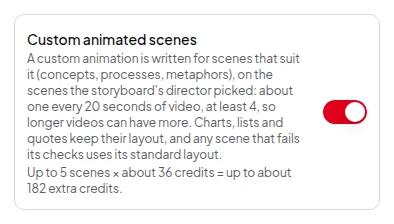
Switch on Custom animated scenes in the Studio’s Final Render settings, or in Quick Render’s options. A custom animation is then written for the frames the director picked, about one for every 20 seconds of narration (at least 4):
- Made for ideas. They suit concept, process, trade-off and metaphor frames, including frames with a single icon. Charts, lists, quotes, images, the opening and the closing keep their own layout.
- Checked before use. Each animation is checked and test-rendered before it goes in the video.
- Never break the video. A frame whose animation fails its checks uses its standard layout, and the video still renders.
With the switch off, a frame picked for a custom animation shows its layout instead, at no extra cost.
Limits worth knowing
- About one custom animated scene for every 20 seconds of narration, and at least 4: a 2-minute video can have 6, a 10-minute video 30.
- Custom animated scenes need a Remotion renderer.
- Custom animated scenes are for summary videos. For your own recordings, the Video Editor’s AI director suggests scenes, zooms and camera views instead.
Credits
The director’s choices are part of making the storyboard, with no separate charge. Each custom animated scene uses credits; the switch shows what the scenes add before you start, and the estimate includes them. See credits explained.
Write your own words first? See how to turn your own script into a narrated video.