Feature
Make summary videos in 26 languages
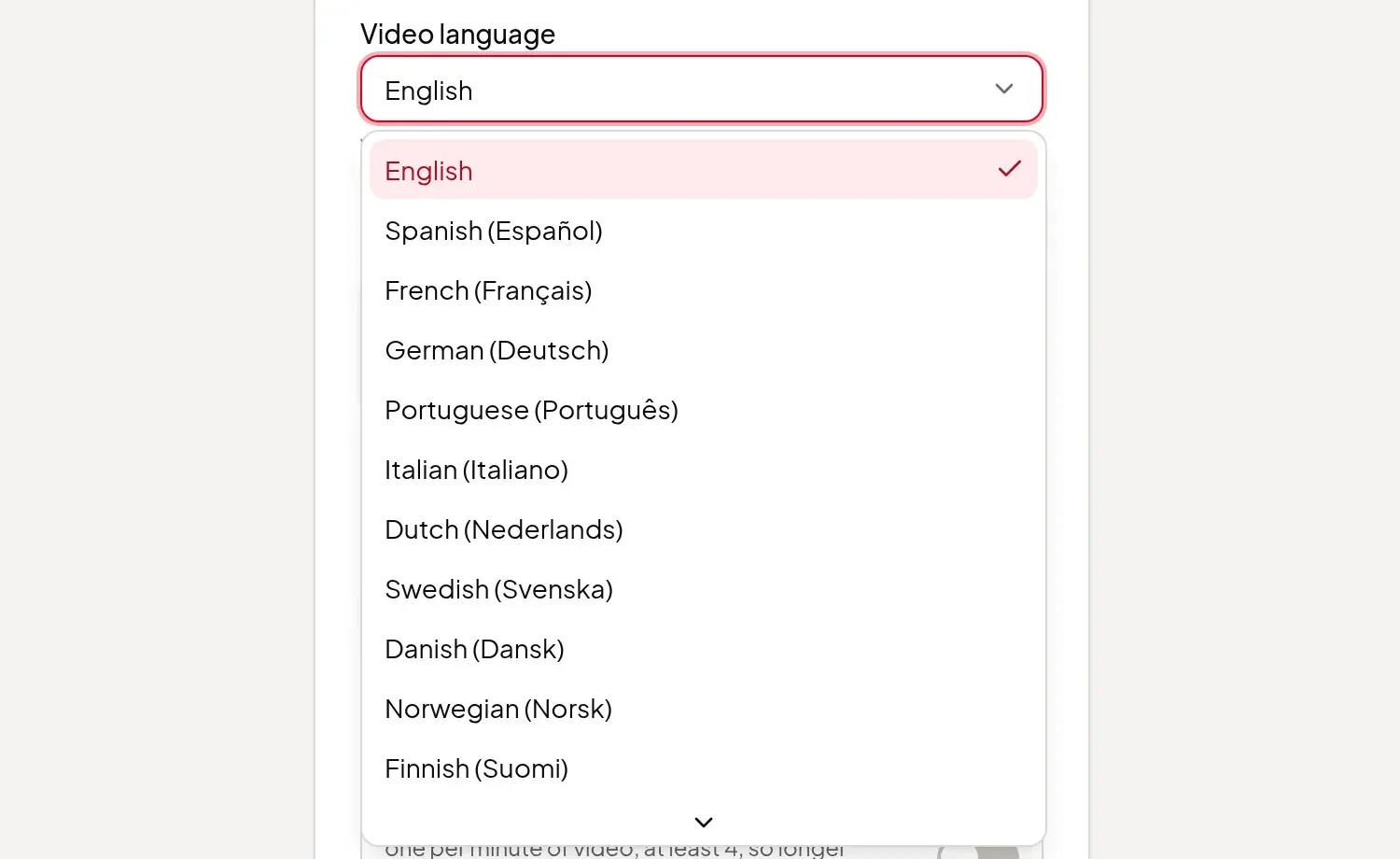
Pick a Video language and the script, on-screen text, voice-over and captions of your summary video are all in it, whatever language the source is in.
Updated
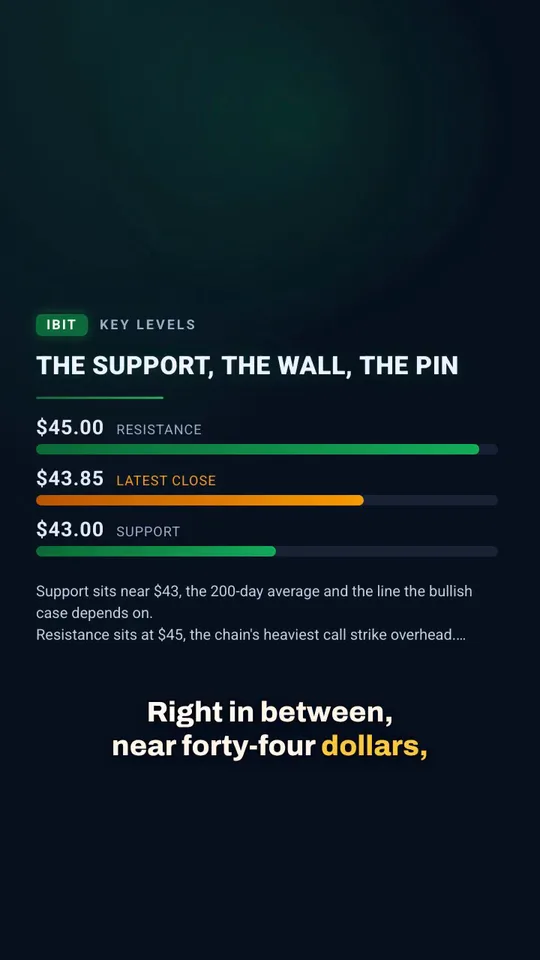
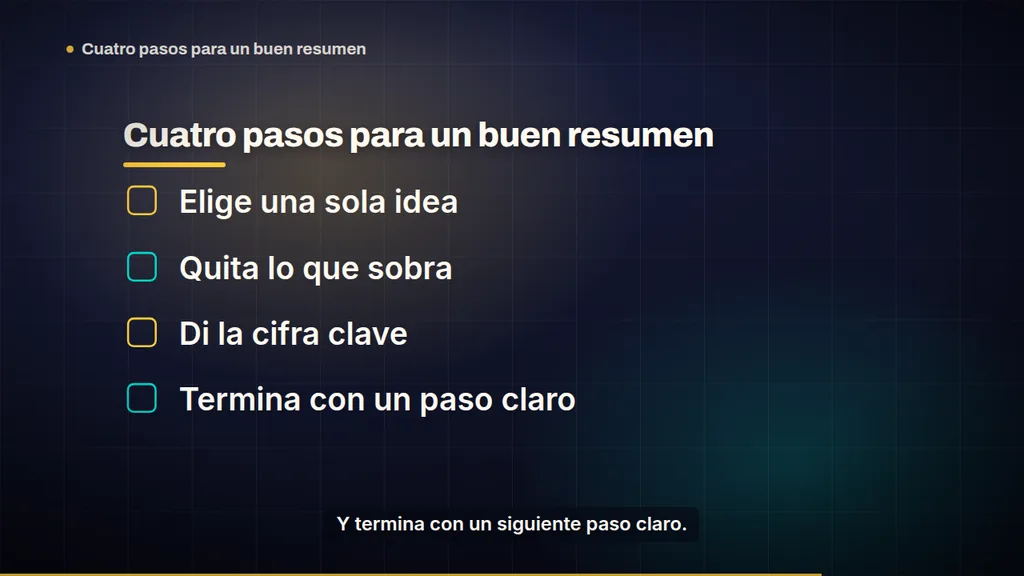
Your source can be in one language and your video in another. Pick a Video language and Vidonto writes the script, the headlines, list points and chart labels, the voice-over and the captions in that language. An English YouTube video can become a Spanish summary, and a German report can become a French one. The price is the same in every language.
The 26 languages
English, Spanish, French, German, Portuguese, Italian, Dutch, Swedish, Danish, Norwegian, Finnish, Polish, Czech, Slovak, Hungarian, Romanian, Croatian, Bulgarian, Russian, Ukrainian, Greek, Turkish, Vietnamese, Indonesian, Malay and Filipino.
Chinese, Japanese, Korean, Hindi, Arabic and other languages aren’t offered for summary videos.
Where to pick it
- In the Studio: choose the Video language in the panel where you set up the script, before you generate it. Changing it later needs a new script.
- In Quick Render: pick the Video language in the form. Every video in the run uses it.
- As your default: set Default video language in Settings. New projects and Quick Renders start with it, and you can still change it for any one video.
- From the API: send
videoLanguage, for example"es"or"de". Without it, runs use your saved default, or English. See the developer API.
What’s in the chosen language
- The script. Vidonto summarizes the source straight into the video language, so there’s no separate translation step.
- On-screen text. Headlines, list points, chart labels and other words in the frames.
- The voice-over, read in that language.
- Captions, which follow the voice-over.
With your own script or a document
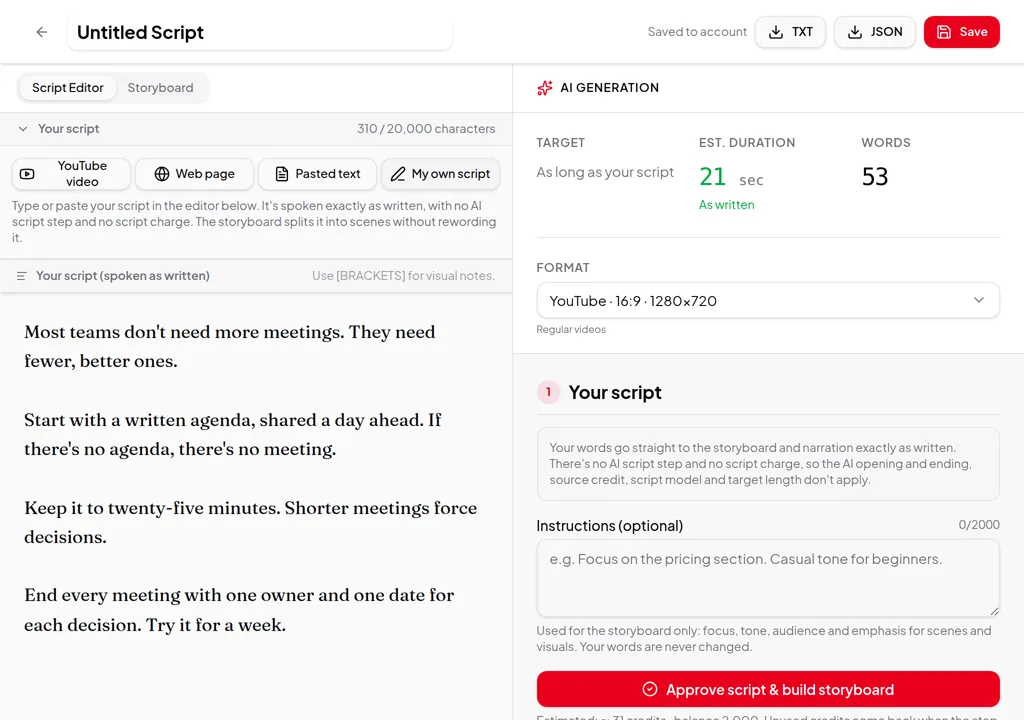
- Your own script is never translated. Write it in the language you want, and set the Video language to match, so the on-screen text is written in it too. See your own script.
- Uploaded files and pasted text can be in another language. The summary is written in the Video language. See PDF, Word or slides to video.
- YouTube videos are read from their captions. The Caption language setting picks which captions to read; the Video language picks the language of your video.
Recordings: use dubbing instead
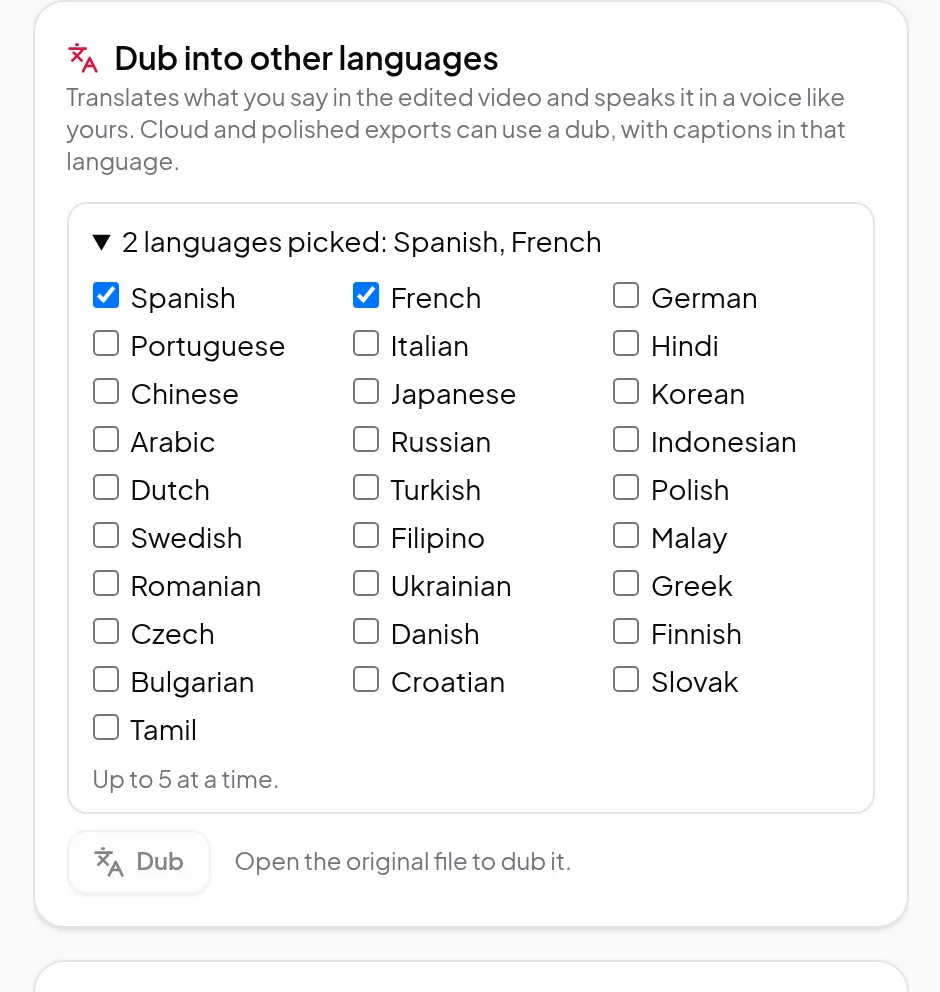
The Video language is for summary videos. To put a recording you made into another language in a voice like yours, use dubbing, which offers its own list of languages.
Credits
A video costs the same in every language. Writing the script, building the storyboard, the voice-over and the render use credits as usual, with the estimate shown first. See credits explained.
Making videos for several audiences? See multilingual video.