Feature
The Vidonto API and webhooks
Start summary video runs from your own code, batch up to 100 links at once, track progress and get a signed webhook when each video is ready.
Updated
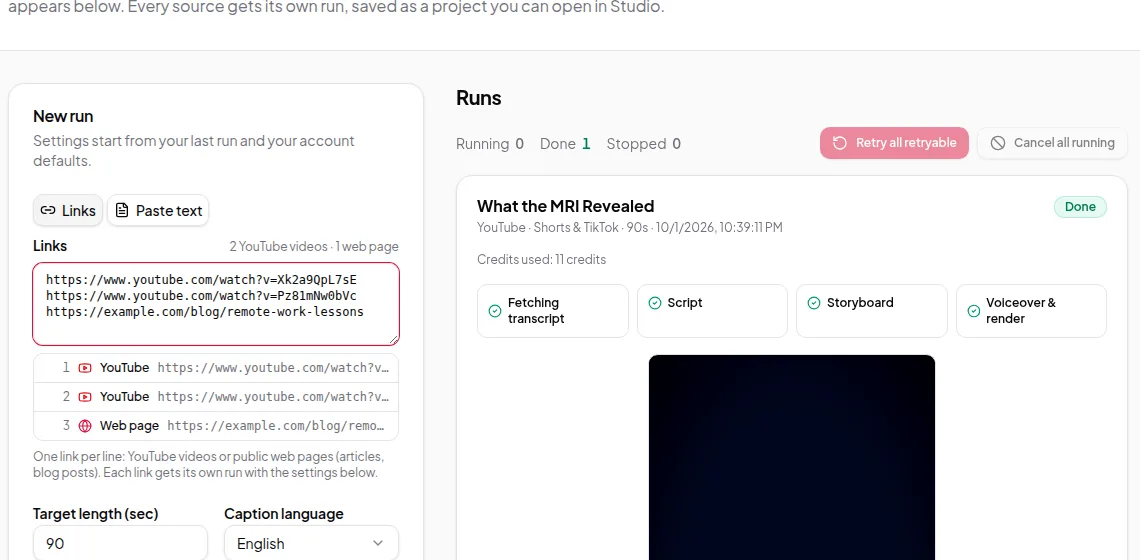
Everything Quick Render does, you can do from your own code. The Vidonto API turns YouTube links, web pages and text into finished summary videos, with the same settings, the same credits and the same results as the app. Use it to make a video for every new blog post, every episode of a podcast, or every product in a catalogue.
What you can do
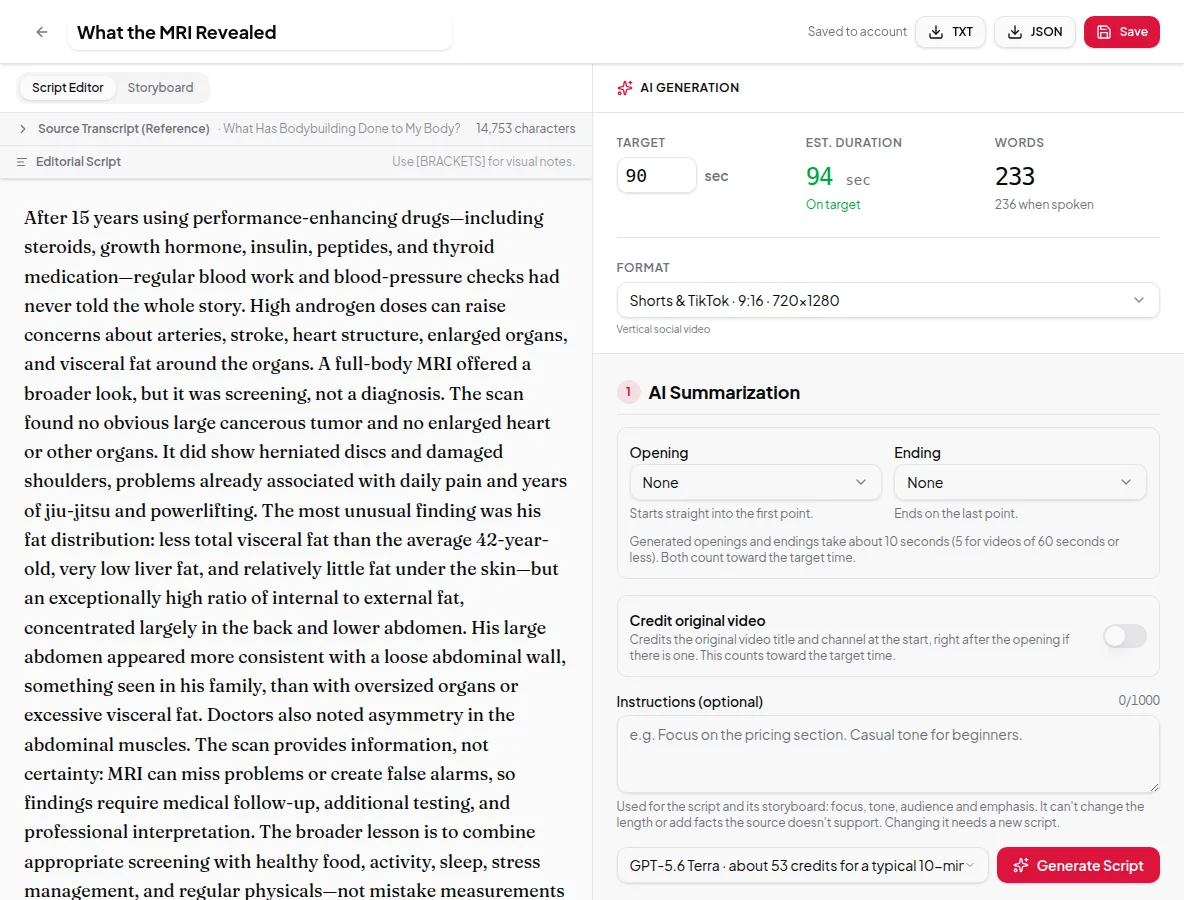
- Start a run from a link (YouTube or web page) or from pasted text, with options for length, video size, on-screen text, caption length, AI images, opening and ending, instructions, crediting the source and the voice.
- Start a batch of up to 100 links with the same options. Every link is checked before anything starts, and credits for the whole batch are held at once.
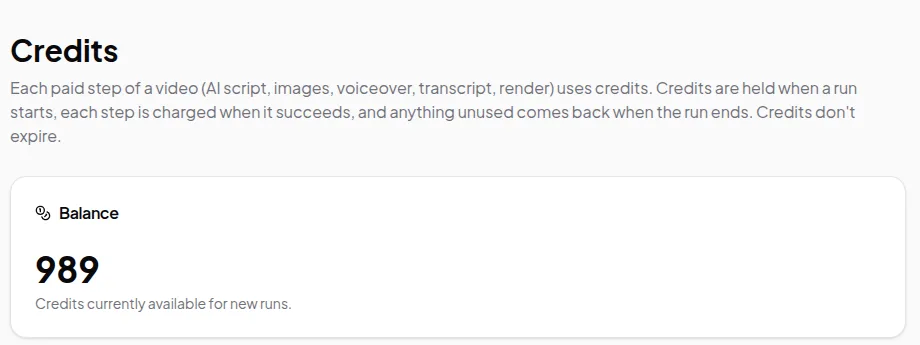
- Get an estimate in credits before you start, and read your balance and credit history.
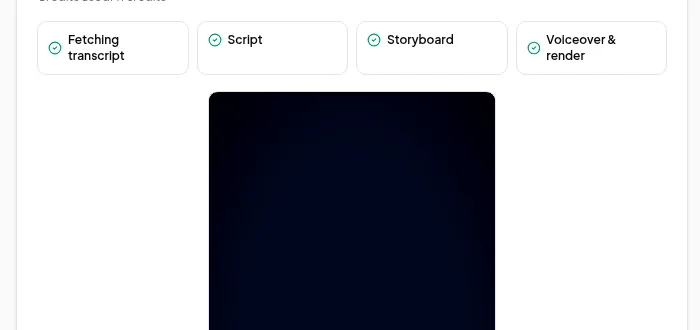
- Track runs — list them, get the status and current step of one, cancel it or retry it after a failure.
- Download the video when the run has succeeded.
- Receive webhooks when a run succeeds, fails or is cancelled, instead of polling.
How it works
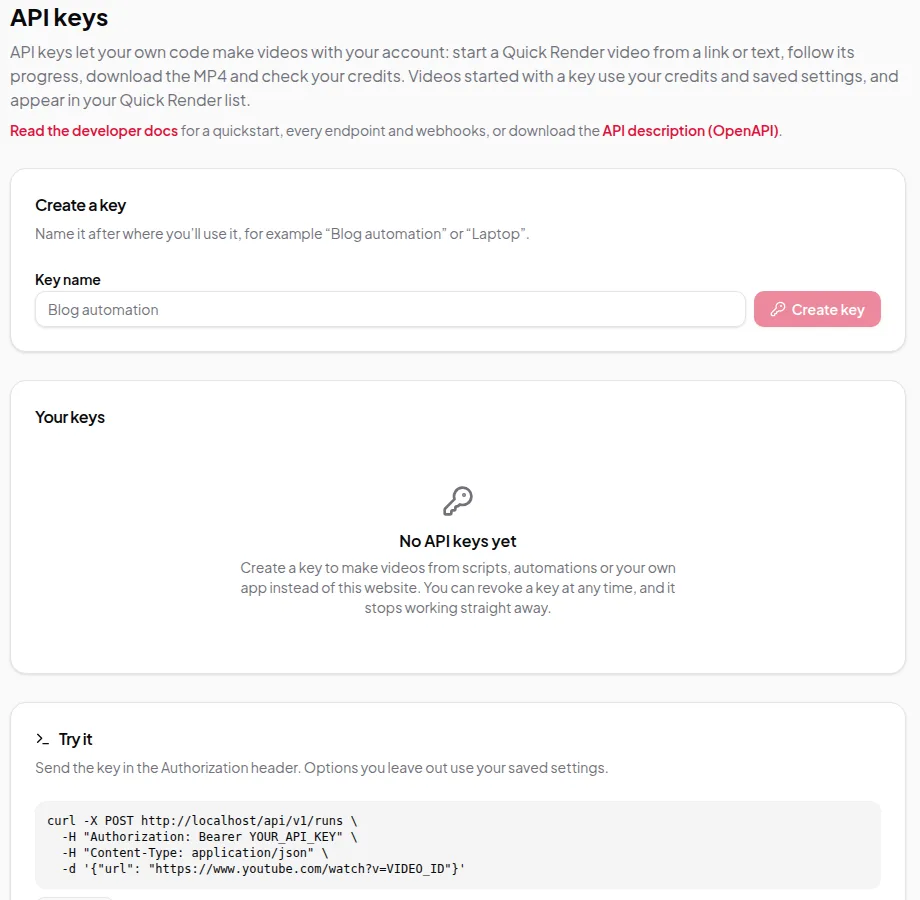
- Create an API key in the app under Account → API keys. Give it a name you’ll recognise. You can have up to 10 active keys and revoke any of them at any time.
- Send requests to
https://www.vidonto.com/api/v1with the key as a bearer token in theAuthorizationheader. - Start a run, then either poll the run until it finishes or register a webhook to be told.
- Download the MP4 from the run’s video address.
Every request that starts paid work can carry an idempotency key. If your request is retried because of a network error, the same run is returned instead of starting — and charging for — a second one.
Webhooks
Register an HTTPS address and choose the events you want: run.succeeded, run.failed and run.cancelled. Each delivery is signed with a secret only you and Vidonto know, so you can check that it really came from Vidonto. You can send a test event, see recent deliveries, resend one and rotate the secret.
Full documentation
The developer docs have the full reference: a quickstart in curl, JavaScript and Python, every endpoint and option, error codes, rate limits, idempotency rules and how to verify webhook signatures.
Limits worth knowing
- API runs are approved automatically, like Quick Render. To review the script and storyboard by hand, use the Studio.
- The API makes summary videos from links and text. The Video Editor for your own recordings isn’t available through the API.
- Requests are rate-limited. Use webhooks rather than polling often. The docs list the limits.
- Keep keys secret. Anyone with a key can spend your credits. Revoke a key straight away if it leaks.
Credits
API runs use the same balance and the same prices as runs started in the app. A run that can’t be covered by your balance is refused before it starts. See credits explained.
Ready to build? Follow make videos in bulk with the API.