Feature
Turn pasted text or a script into a video
Paste notes, a newsletter, a transcript or a finished script, and Vidonto turns the text into a narrated, captioned video in the format you need.
Updated
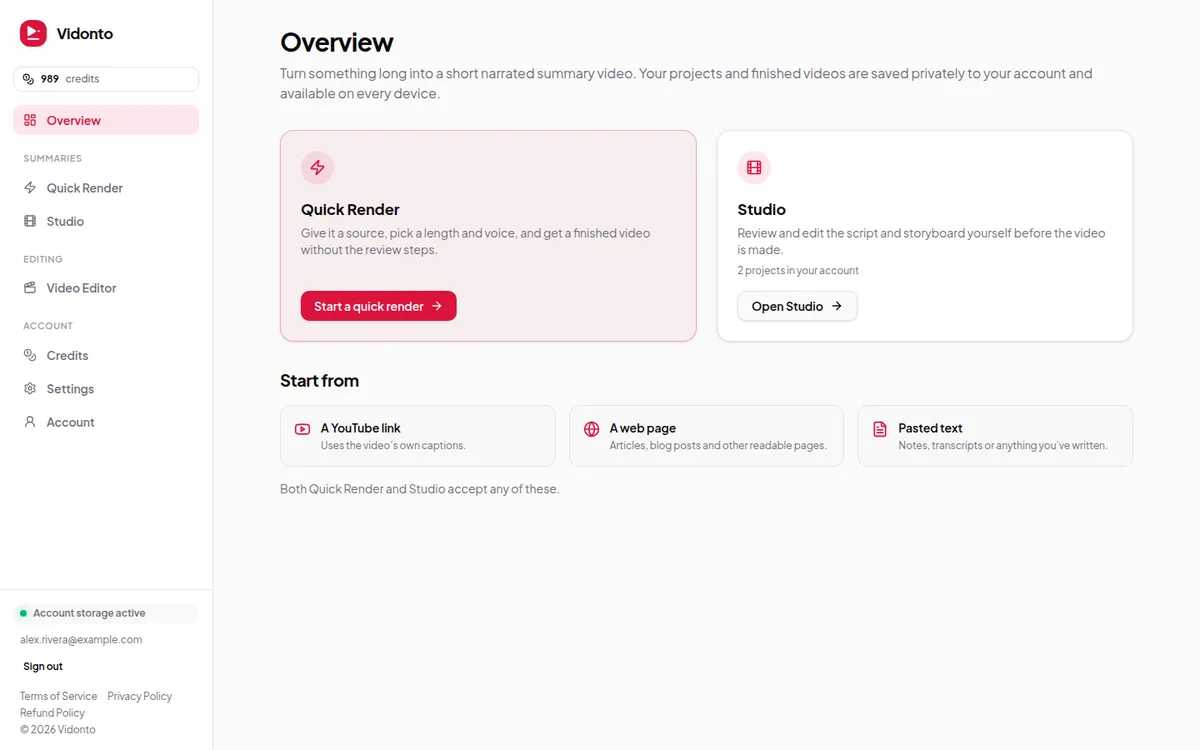
Sometimes the source isn’t a link. It’s a newsletter draft, meeting notes, a transcript from another tool, or a script you’ve already written. Vidonto’s Pasted text source turns any block of text into a short narrated video with captions, using the same script, storyboard and render steps as a YouTube video or a web page.
Two ways to use pasted text
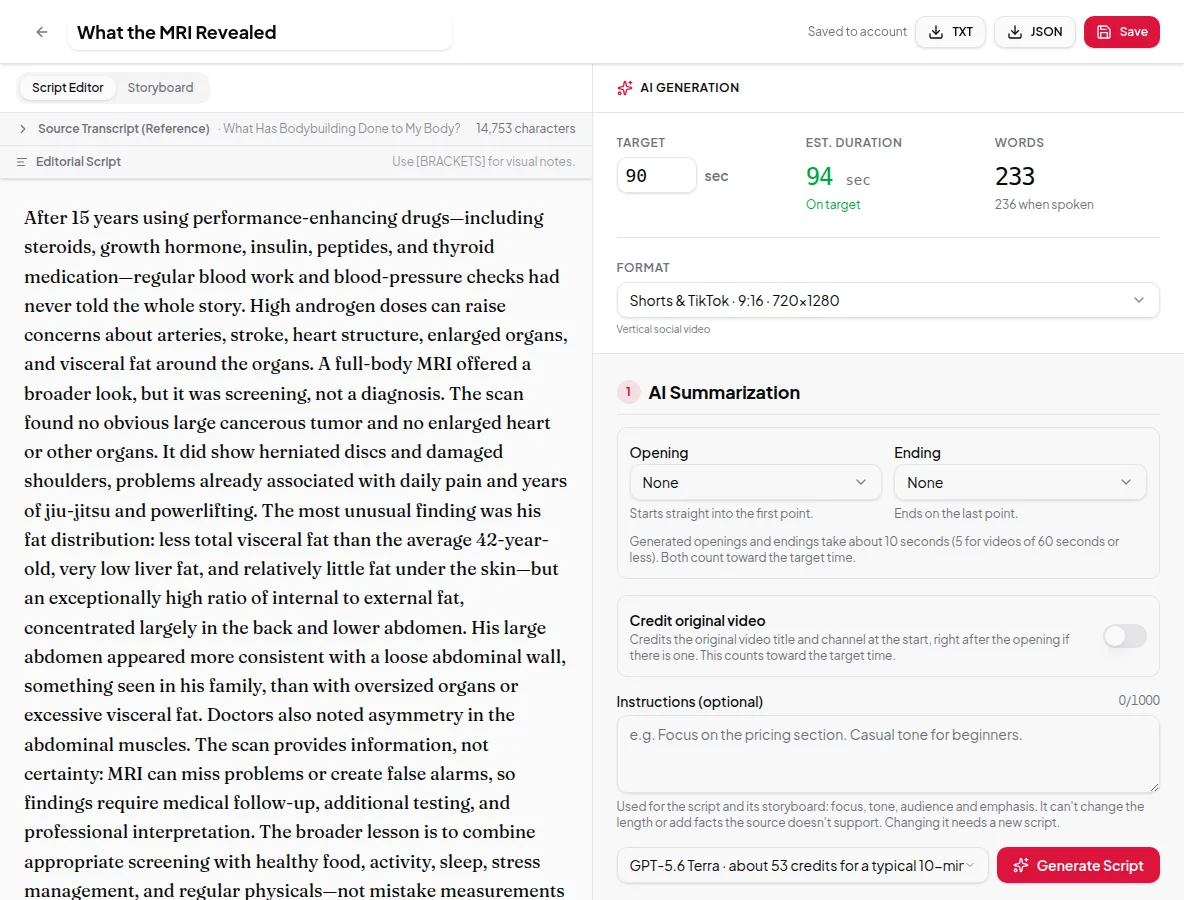
Summarize it. Paste long text and set a target length. Vidonto writes a shorter script that keeps the main points, the same way it summarizes a video. This suits reports, long posts and transcripts.
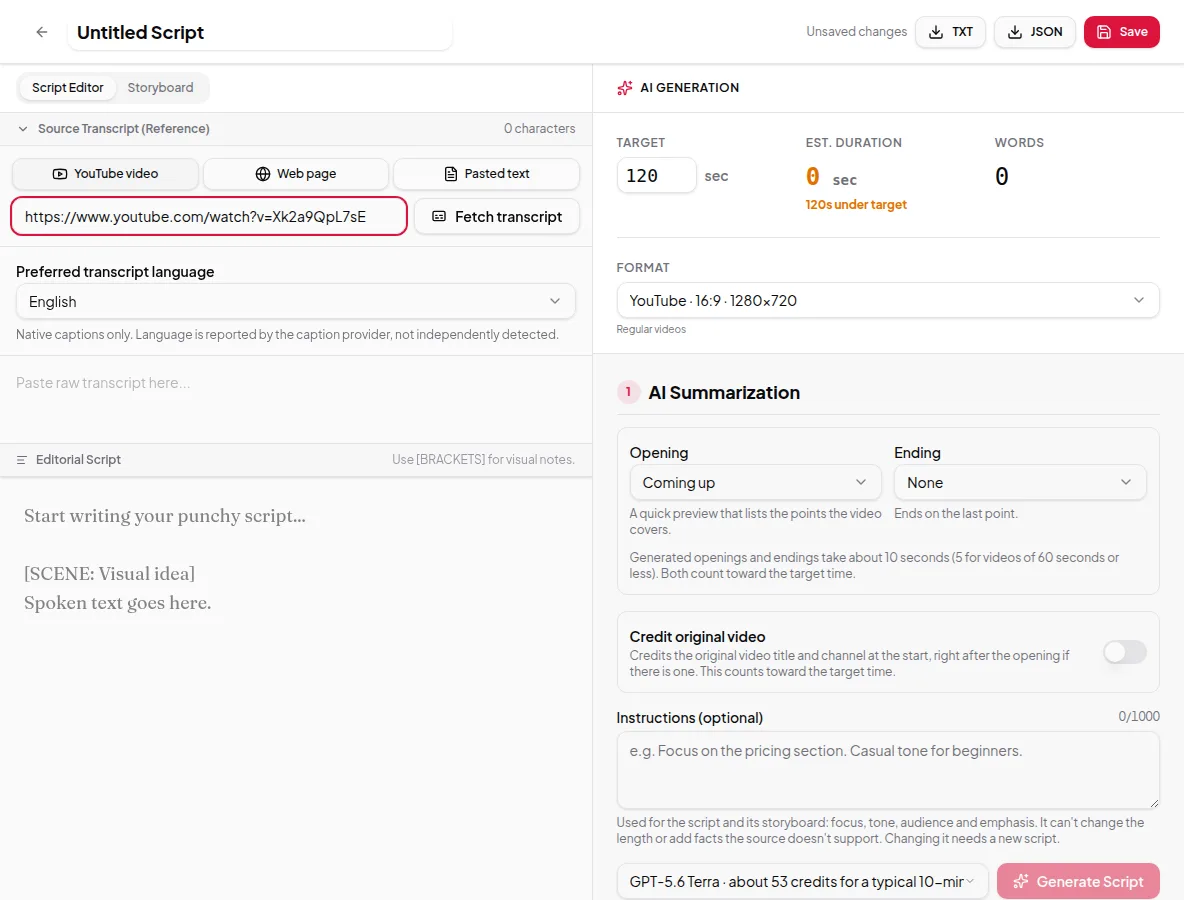
Use it as your script. In the Studio, paste your text, then edit the script yourself in the Script Editor. The script you approve is exactly what the voice-over says — Vidonto doesn’t rewrite approved words when it builds the storyboard or renders.
How it works
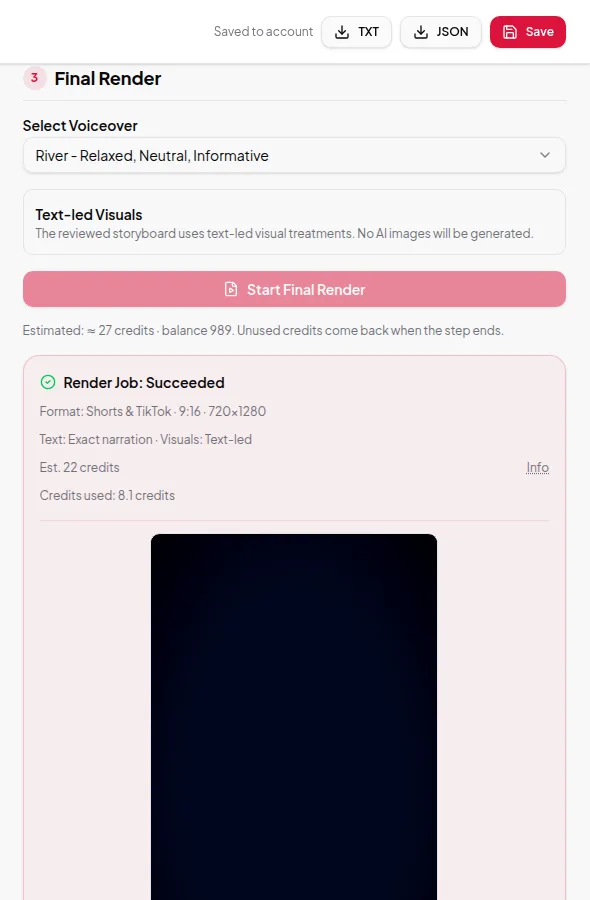
- In the Studio: start a new project, choose Pasted text, and paste your text into the box. Give the project a title. Then set the target and format, generate or write the script, approve it, build the storyboard and render.
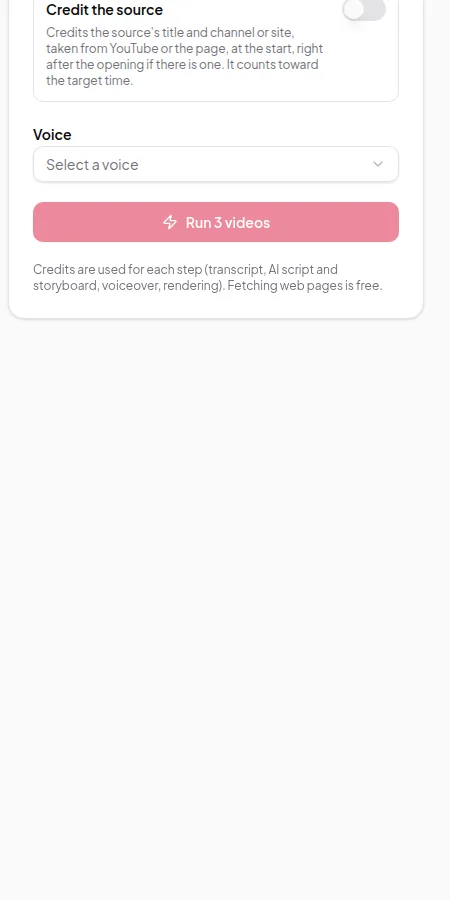
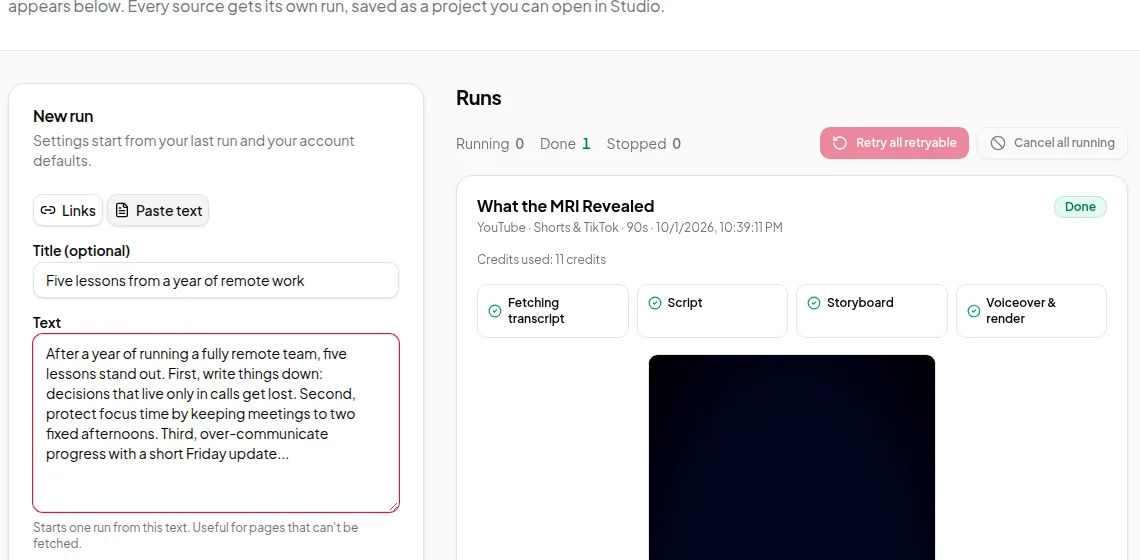
- In Quick Render: switch from Links to Paste text, add an optional title and paste the text. One pasted block makes one video. Every step runs automatically.
Tips for better results
- Paste clean text. Remove page numbers, footers and repeated headers first.
- If the text is already the length you want, set the target to match and give the AI an instruction such as “Keep my wording; only tighten long sentences.”
- Write numbers the way you want them said. The storyboard shows figures on screen only when the narration actually says them.
- Use creator instructions to set tone, audience and what to leave out.
Limits worth knowing
- The target length is a maximum. If the narration is too long to fit, the run stops rather than cutting off speech. Shorten the script or raise the target.
- Very long text can be over the source limit for one run. The app checks this before anything starts.
- The voice reads your text as written, so spell out unusual names or abbreviations the way they should sound.
Credits
Pasting text is free. Writing the script, building the storyboard, the voice-over and the render use credits. The reservation is based on the real length of your text, and anything not used is returned when the run ends. See credits explained.
New to Vidonto? The first video in five minutes guide uses pasted text and is the quickest way to see the whole flow.